
Template
Email Template
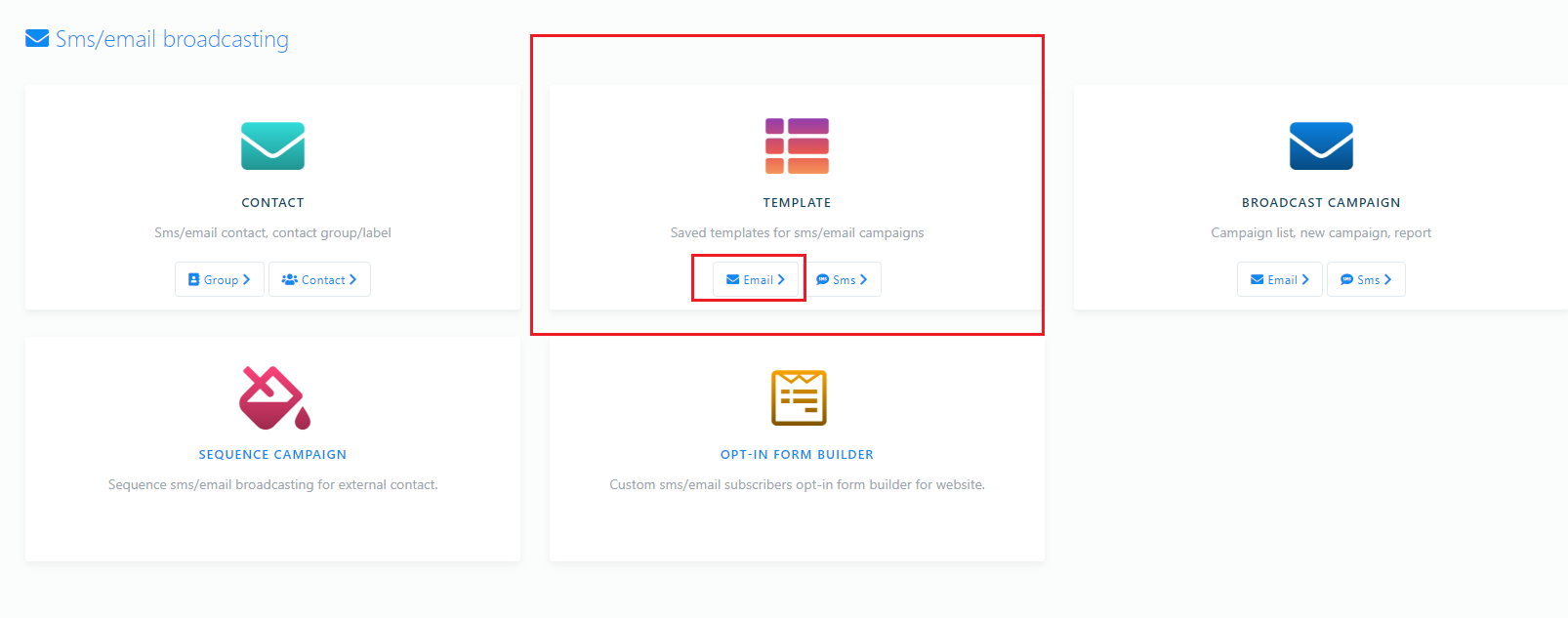
Now, return to the broadcasting interface. Under the template option, click the Email button to create an email template.
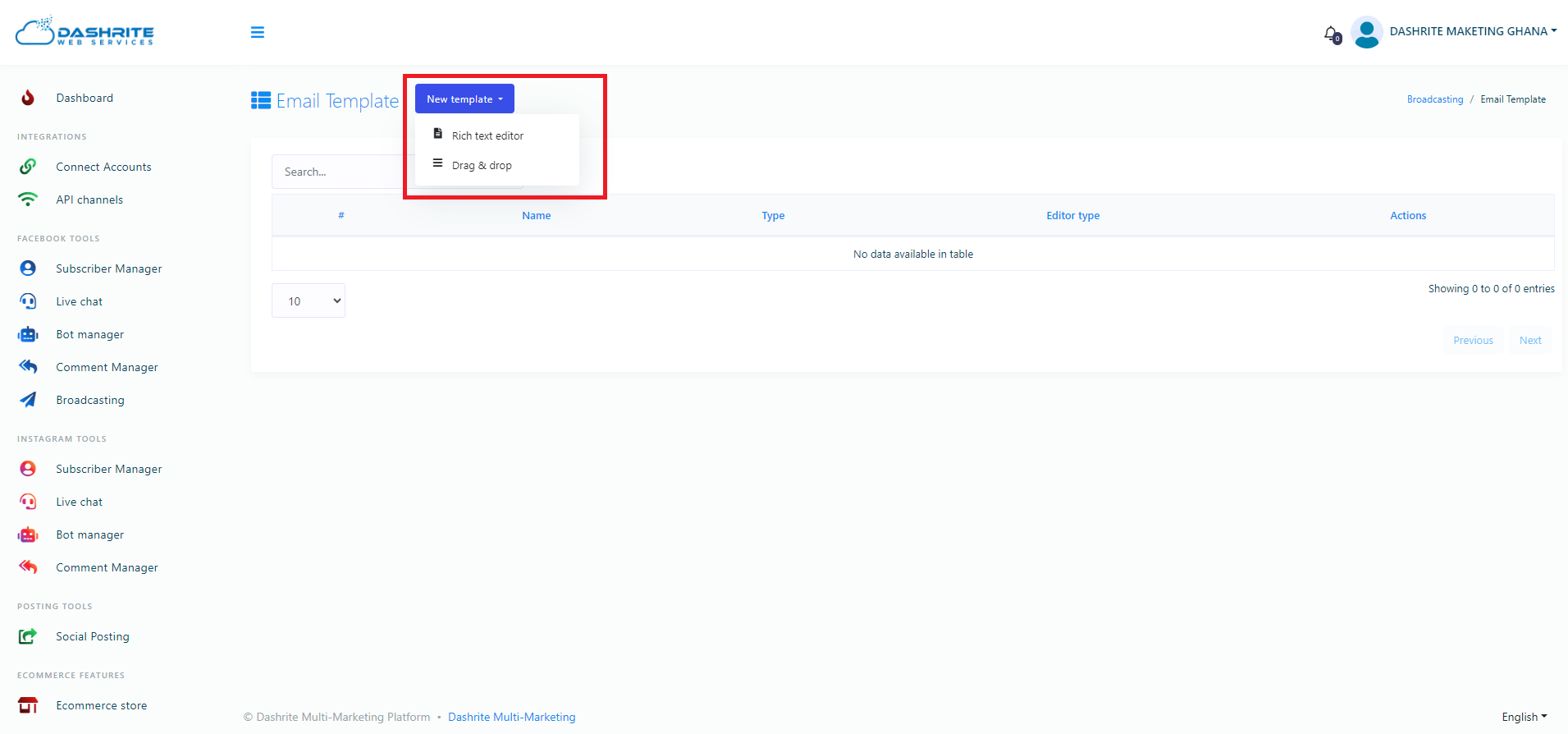
Instantly, a page called email template will appear with a new template button. Now click the new template button, and a drop-down menu of two options—Rich Text Editor and drag–and–drop—will appear. Click on the rich text editor.
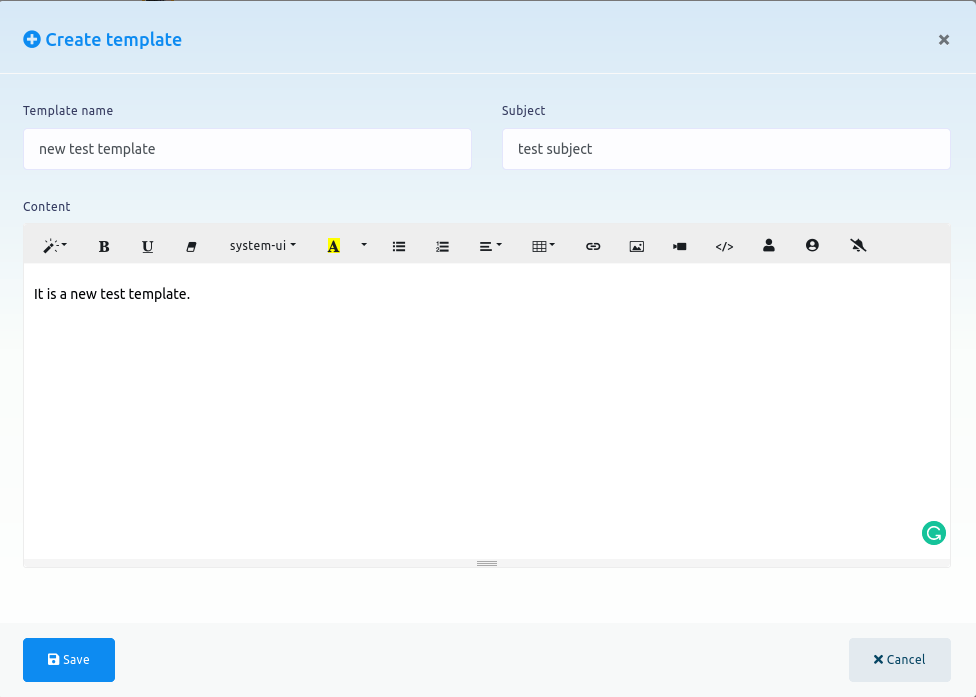
Instantly, a modal form called create template will appear with some fields, such as template name, subject, and content. Now, you have to give a template name, write a subject in the subject field, and write the content of the mail in the content field. Now click on the save button to save the template.
Now, the template will appear in a list of saved templates. You can edit and delete it and view it by clicking on the view template button.