
Subscriber Manager
Subscriber Manager
The Subscriber Manager feature in Dashrite Multi-marketing allows you to effectively manage your subscribers across various platforms, including Facebook, Instagram, eCommerce, SMS/Email, and social media marketing. You can organize and segment your subscribers, send targeted messages, and automate subscription management processes to enhance your marketing efforts.
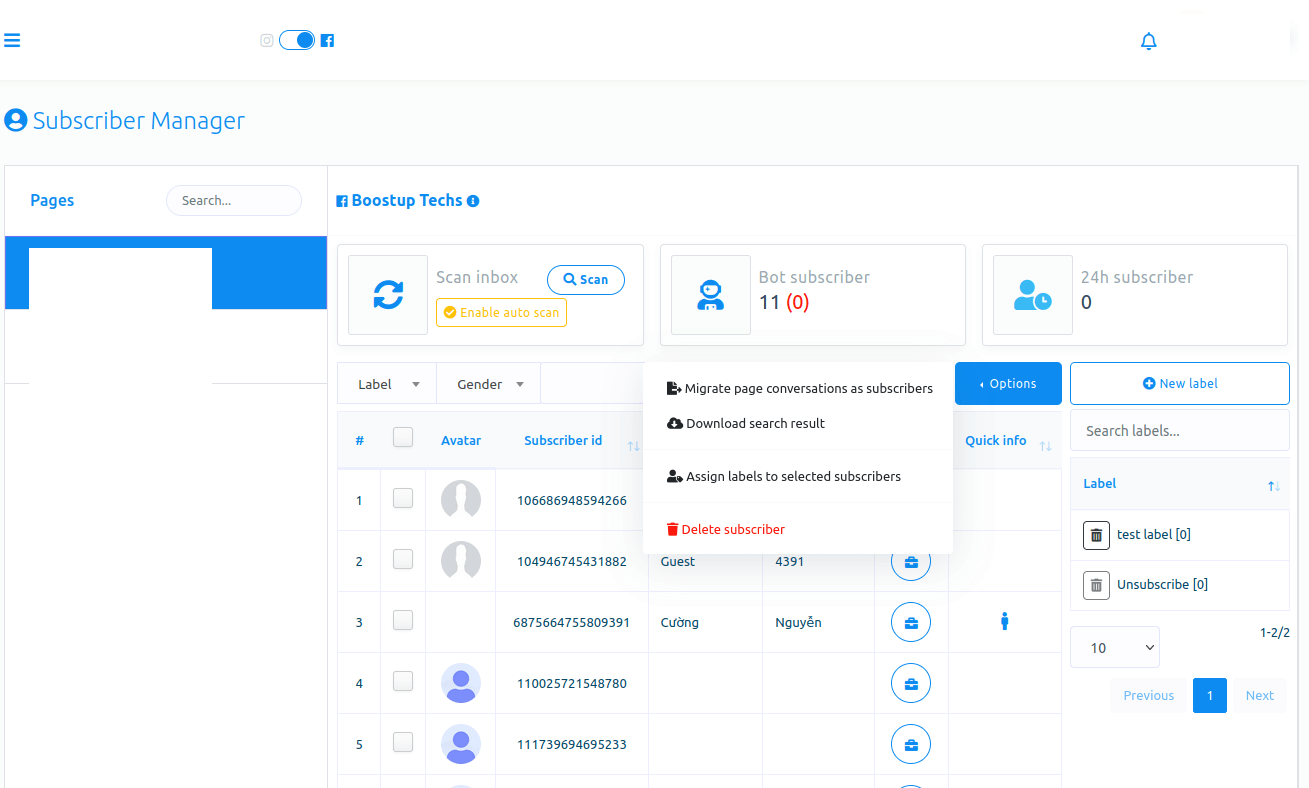
Using the Subscriber Manager feature of the Dashrite Multi-marketing app is very easy. Just look at the page, and you will understand everything.
Dashrite Multi-marketing app, a chatbot-building platform and multichannel marketing software, has recently introduced a unique feature called Live Chat. This feature allows you to view recent conversations between your users and your Facebook page or Instagram account and engage in direct discussions with users via these platforms. In essence, Live Chat offers all the functionalities of Facebook or Instagram Messenger, with additional features such as creating labels, assigning labels to users, and setting sequence messages.
Moreover, you can subscribe and unsubscribe a user at any time. Likewise, you can pause and resume bot replies for a specific user.
In this article, we will talk about how to use the feature Live Chat ideally.
Using Live Chat is as straightforward as using Facebook and Instagram Messenger. It’s designed to be user-friendly and intuitive, making it easy for you to engage with your users.
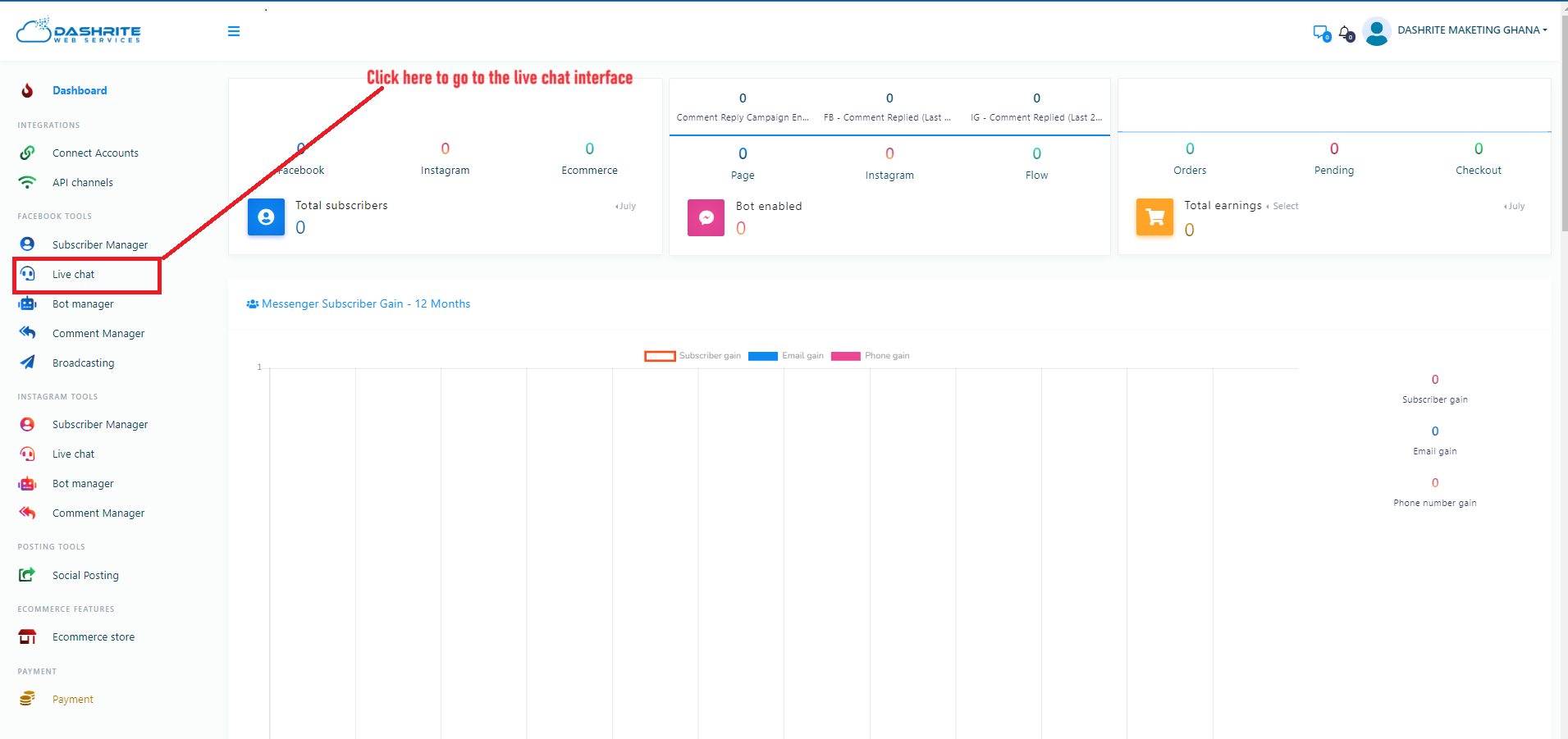
Let’s see how to use Live Chat.
First, go to the Dashrite Multi-marketing app dashboard. The live chat menu is in the left sidebar. Click on the Live Chat option.
Subscribers’ List
In the subscribers’ list section, you can see the subscribers you have recently conversed or communicated with. You can also search for a subscriber using the search bar. You can reload the Live Chat by clicking on the reload button, though it sometimes reloads automatically.