Howdy! How can we help you?
Generic Template Message Type
Generic Template Message Type
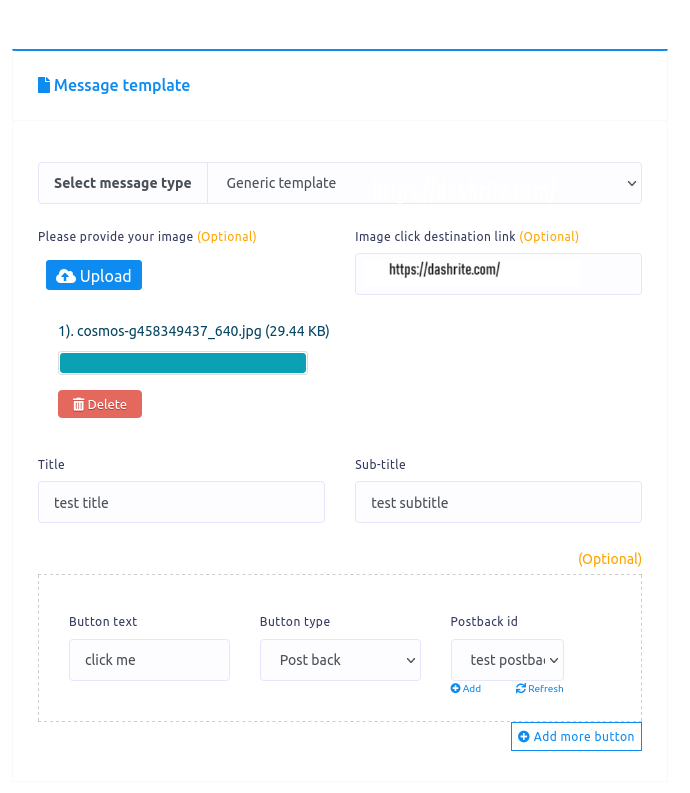
You can also select a Generic template as a message type. When you do so, an upload button and additional fields will appear.
First, click the upload button to upload an image. Then, paste a link in the image and click the destination link field. Users will be redirected to the link when they click on the image.
After that, you must provide a title and a subtitle in the title and subtitle field. In the button text field, write a text for the button. Then, you have to select a button type from the drop-down menu of the different button types. You already know about the various kinds of buttons.