Message Template
Message Template
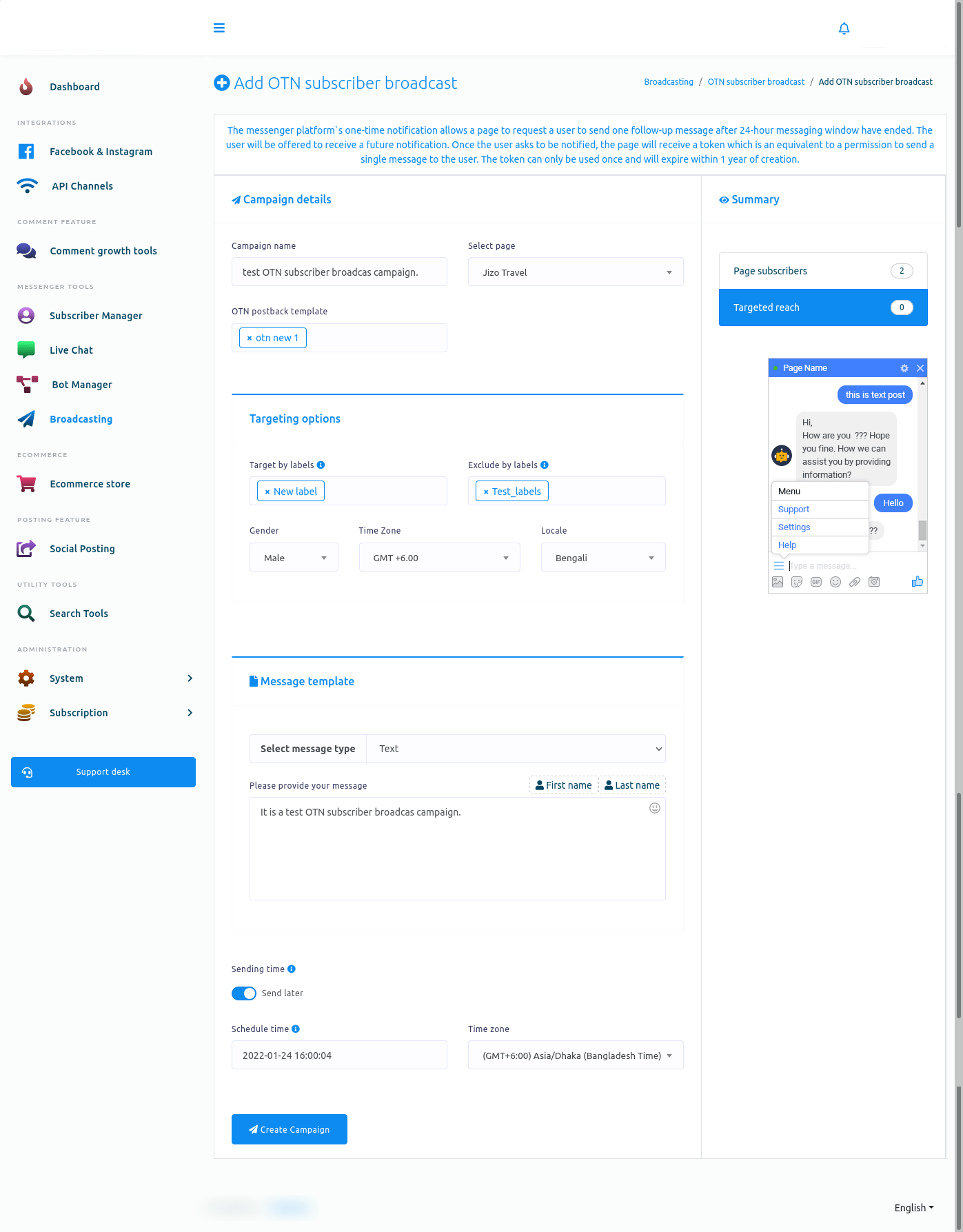
Now, come to the message templated related fields.
In the select message type field, you can select a message type. Click on the field, and a drop-down menu of different message types will appear. From the drop-down menu, you must select a message type.
Text message type
If you select text as a message type, you must provide a text message in the message field. You can also include the subscribers’ first or last names.
Well, after that, you will see a sending time button. If you want to schedule the post, turn on the button. And instantly, two additional fields – Schedule time and time zone – will appear. Now click the schedule time field, and a date and time calendar appear. From the calendar, select a date and time. In the time zone field, select a time zone. Now click the Create Campaign button, and a successful message will appear. That is, the campaign has been created.