Howdy! How can we help you?
Configure New Postback
Configure New Postback
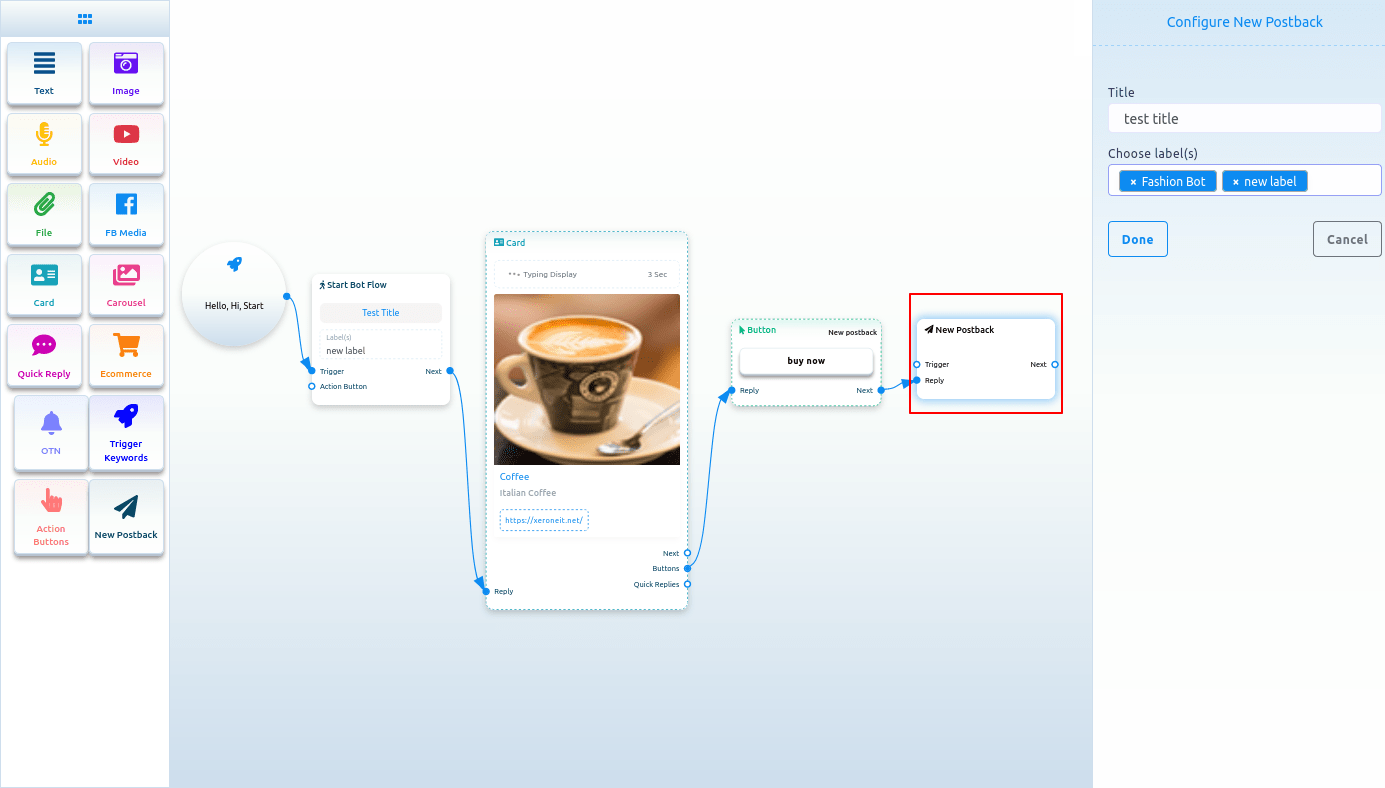
A new postback button will appear and be connected to the Button component. Double-click the New postback Component, and the right sidebar, Configure New postback, will appear. In the title field, give a title for the New postback. Select labels from the Choose label field. Now click on the Done button.
Postback
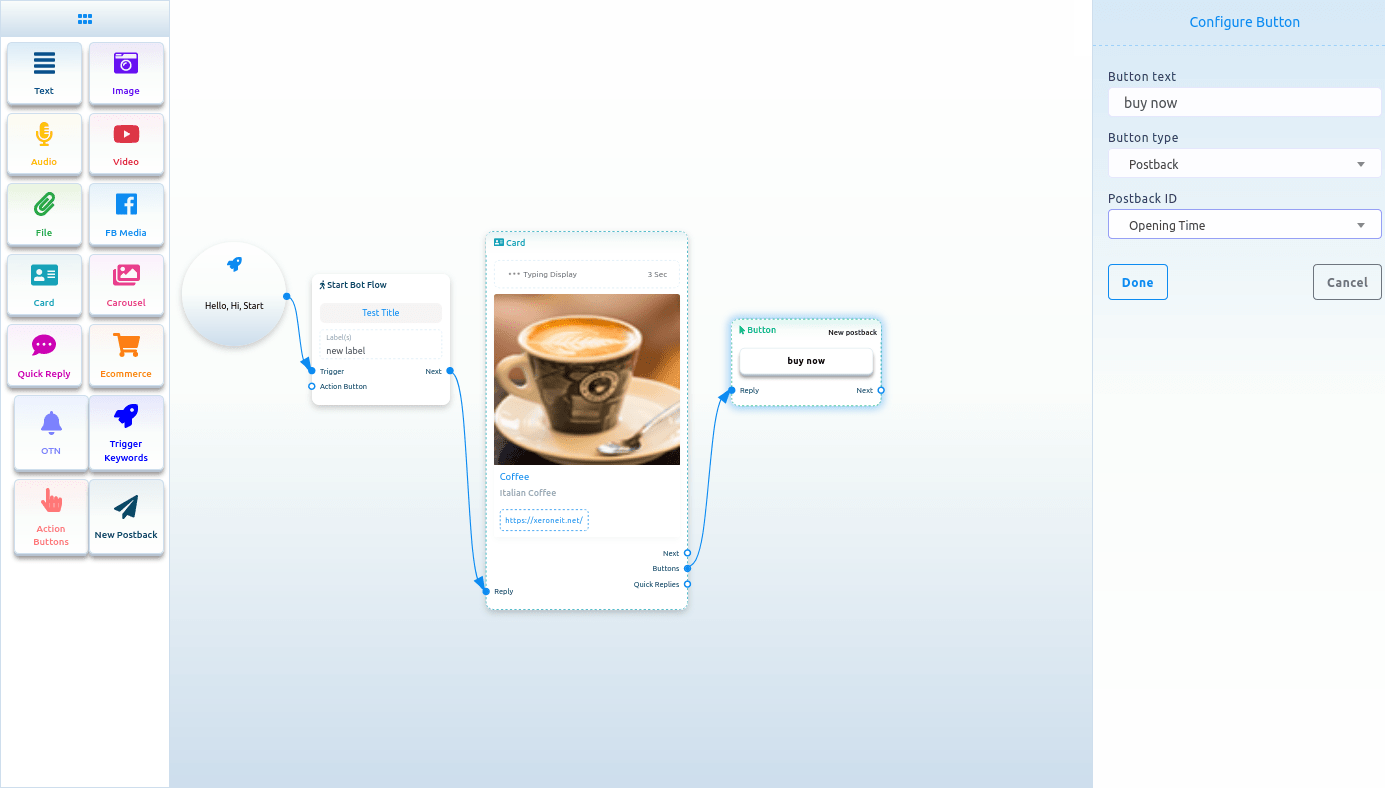
A Postback ID field will appear if you select Postback as the button type. From the Postback ID field, you have to choose a postback ID. Click on the postback ID field, and a drop-down menu of different postback IDs will appear. From the drop-down menu, select a postback ID. Click on the Done button. The postback id will appear on the Button Component.
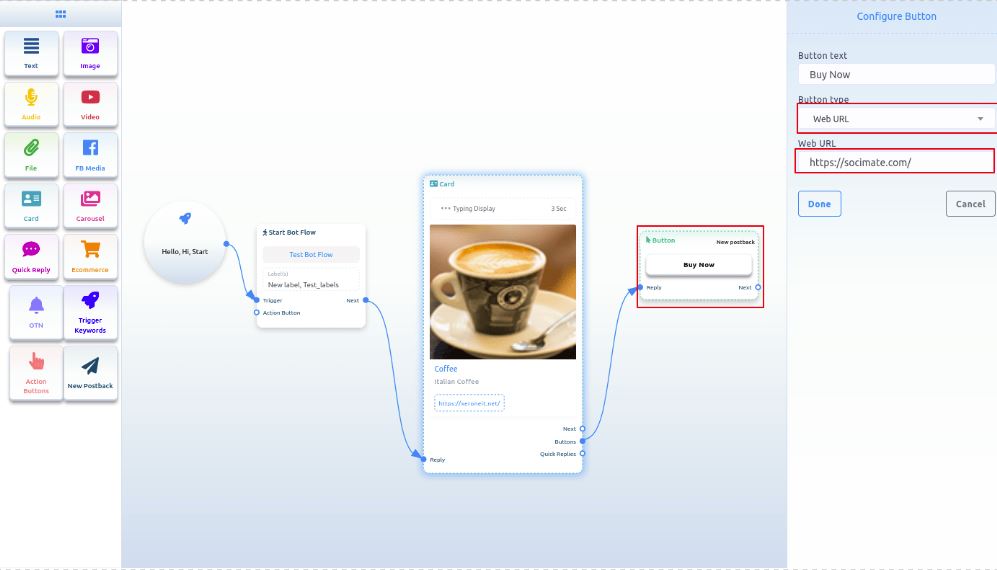
Web Url, Webview[full], Webview[tall], Webview[compact]:
If you select Web Url, Webview[full], Webview[tall], or Webview[compact], another field will appear. In the field, you have to paste a URL. Now paste a URL and click on the done button. After that, the URL will appear on the Button component.