Howdy! How can we help you?
SMS Template
SMS Template
To create an SMS template, click on the SMS option in the template.
An image will be here.
Instantly, a page called an SMS template with a button called a new template will appear.
Click on the New Template button.
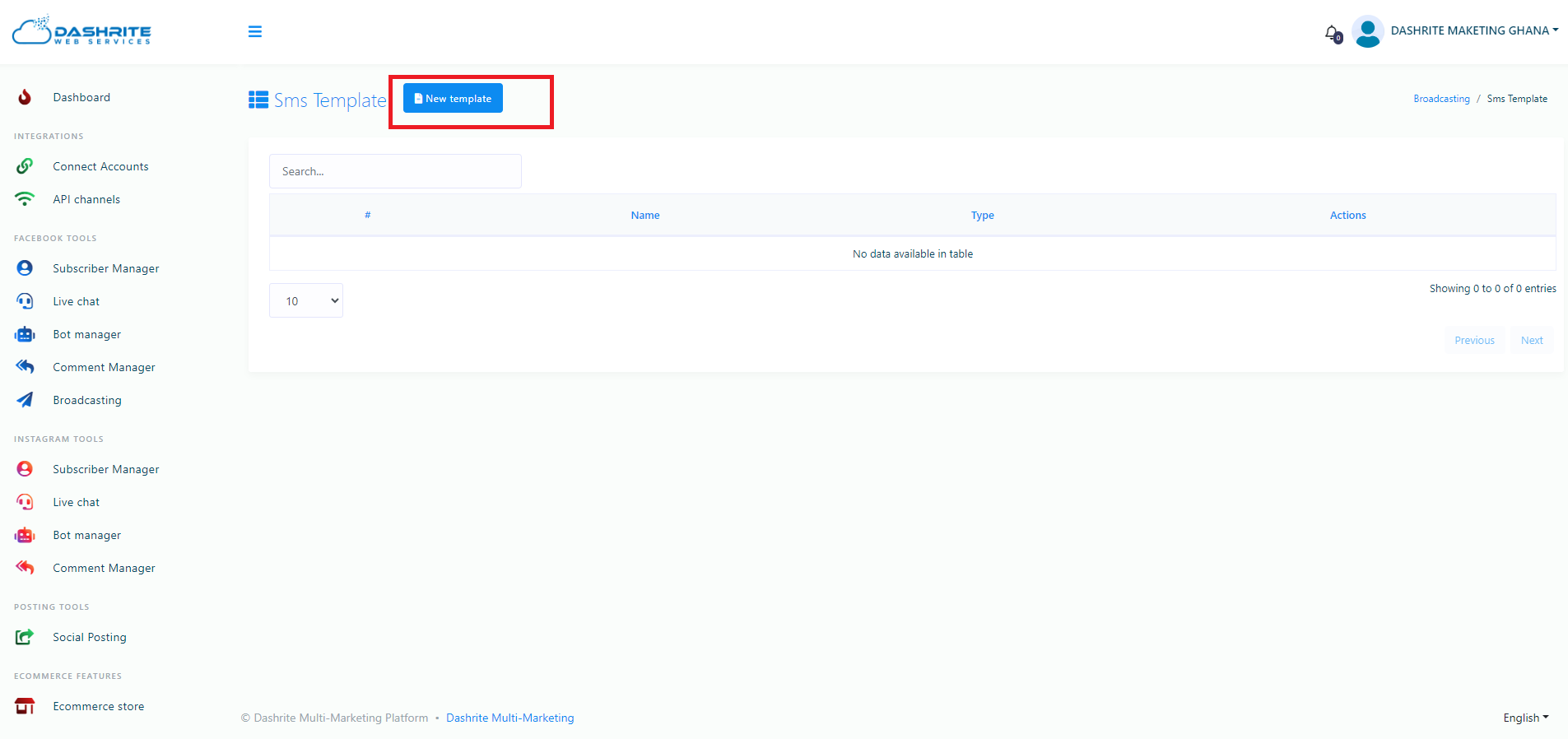
Instantly, a modal called create template will appear.
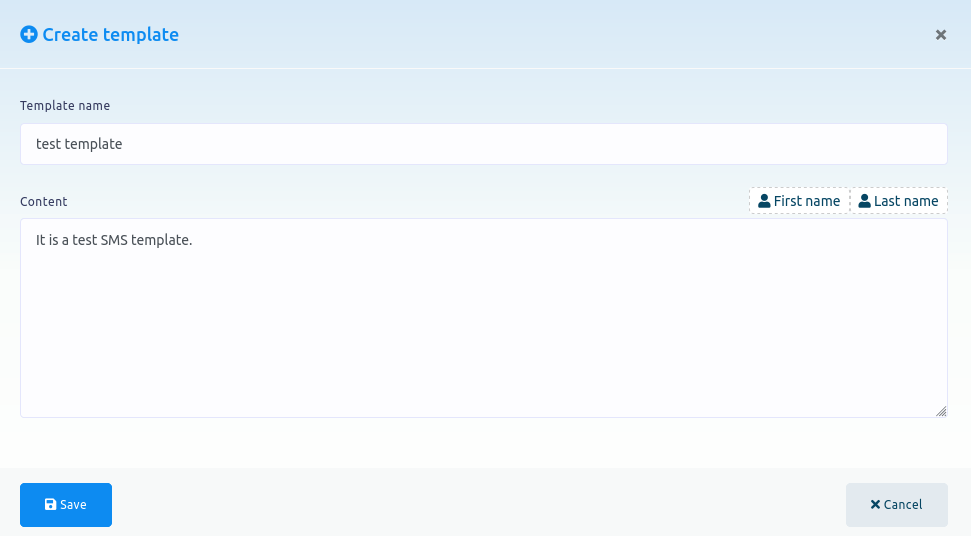
You must provide a template name in the template name field and write content in the content field. You can also include the first or last names in the content.
Then click on the save button to save the template.