Howdy! How can we help you?
Delivery Points
Delivery Points
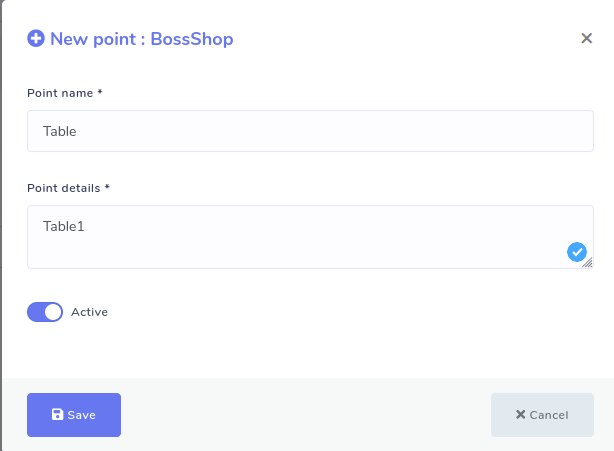
You must set delivery points since you have enabled the store pickup option. To do this, you have to add point names and point details. As for a restaurant, delivery points would be a table, and point detail would be table number. To add a delivery point, click the ‘Delivery points’ on the left side of the dashboard. Instantly, a page will appear with the Add Point button at the top-right position. Click on the button, and a pop-up form will appear. Then, you must fill out the form by providing point(Table) and point details (Table 1).