Howdy! How can we help you?
Selecting A Button Type.
How To Select A Button Type.
In the button type field, you can select User email, User birthday, User phone or User location, Unsubscribe button, Resubscribe button, Chat with human, or Chat with the robot. After selecting any of the button types, click on the done button. The button type will instantly appear on the button.
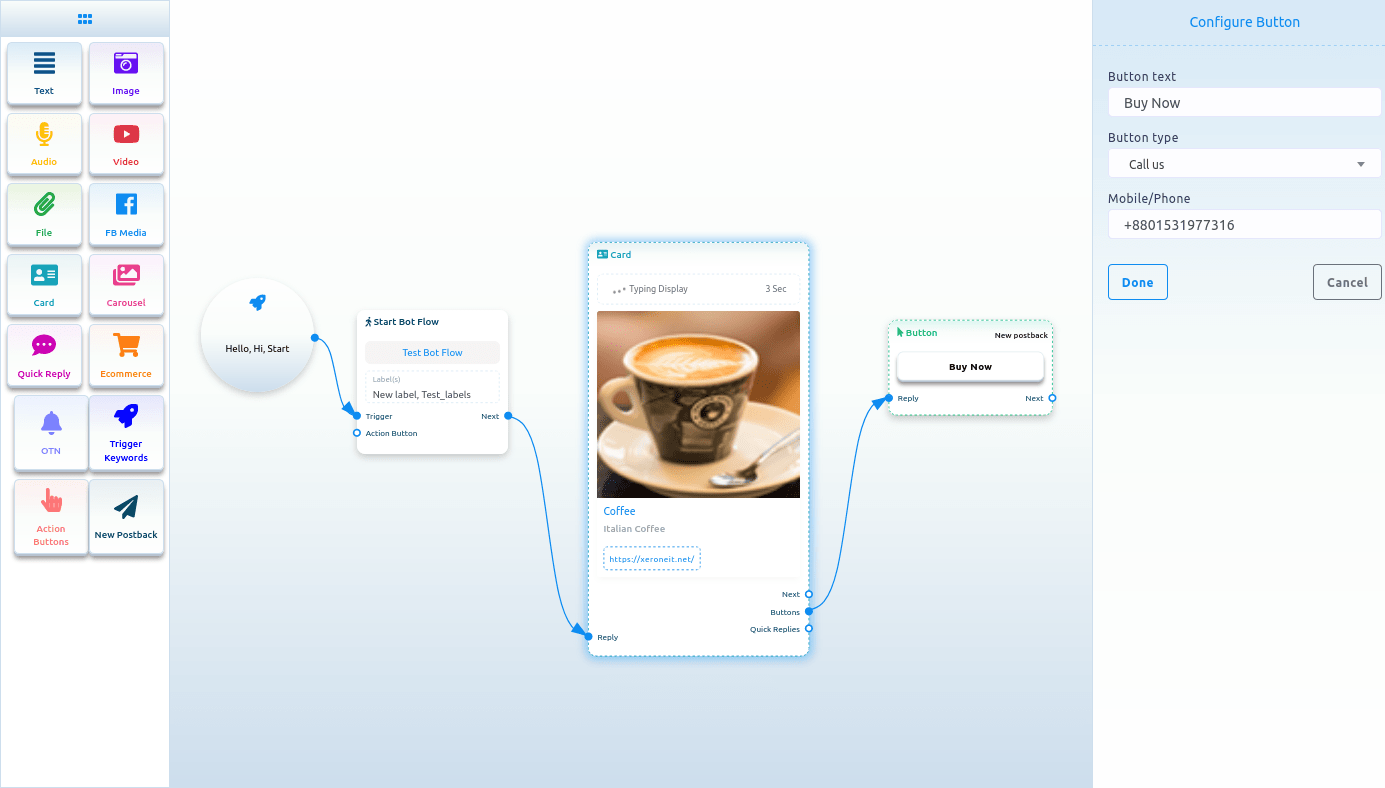
Call us
Select the Call Us button from the drop-down menu of different button types. Instantly, another field called Mobile/Phone number will appear. Now, you have to provide your phone number in the field. Then click on the done button.