Howdy! How can we help you?
Trigger Keywords
Trigger Keywords
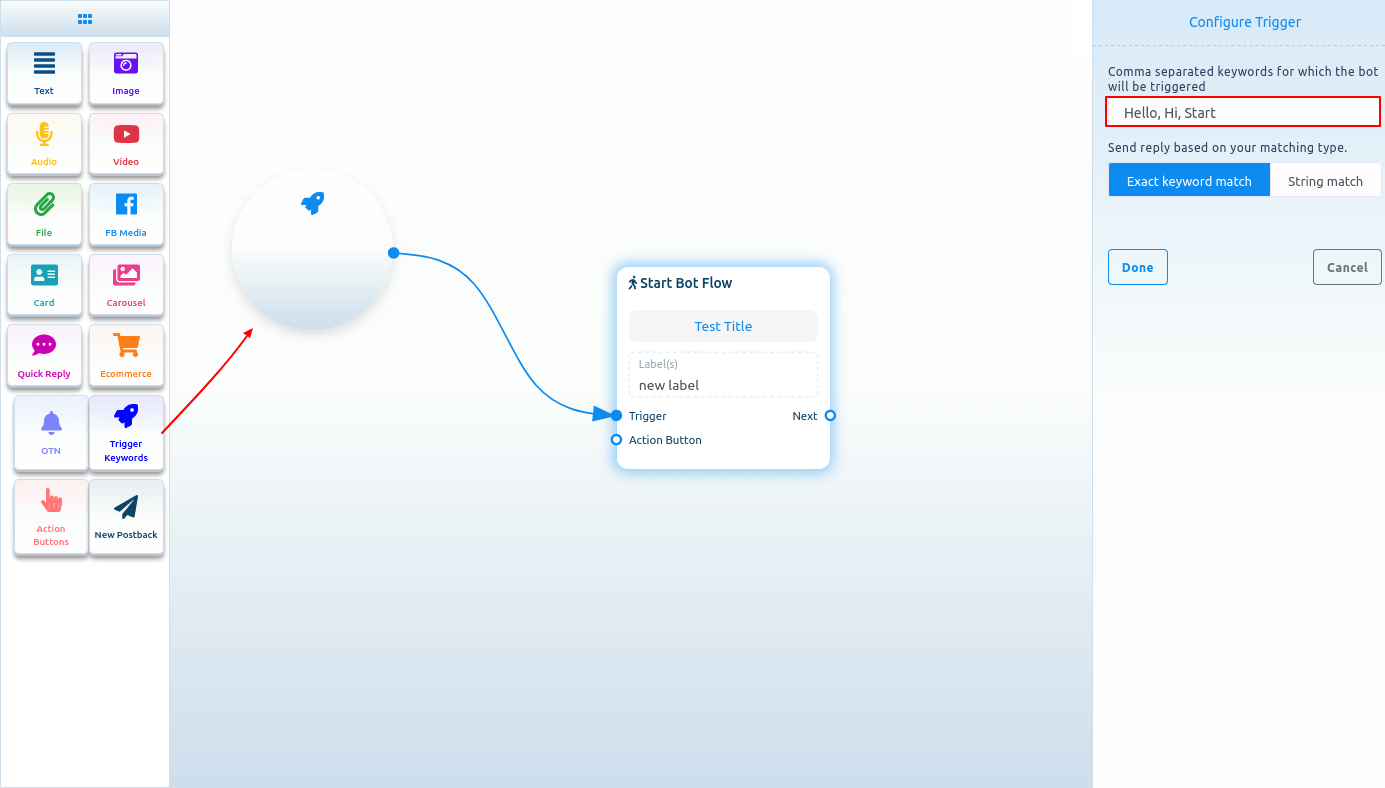
Now, drag the trigger keywords element and drop it in the editor. Double-click on the component, and a configure Trigger sidebar will appear. In the field, you have to provide comma-separated keywords. When a user writes one of the keywords, the bot will start. You can also select a matching type, such as an exact keyword match or string match. Then click on the Done button. The keywords will appear in the component.
Now, connect the Trigger Keywords component with the Start Bot Flow component.