Howdy! How can we help you?
Creating An Account
Registering A New Business
- Click on the register business link on the welcome page.
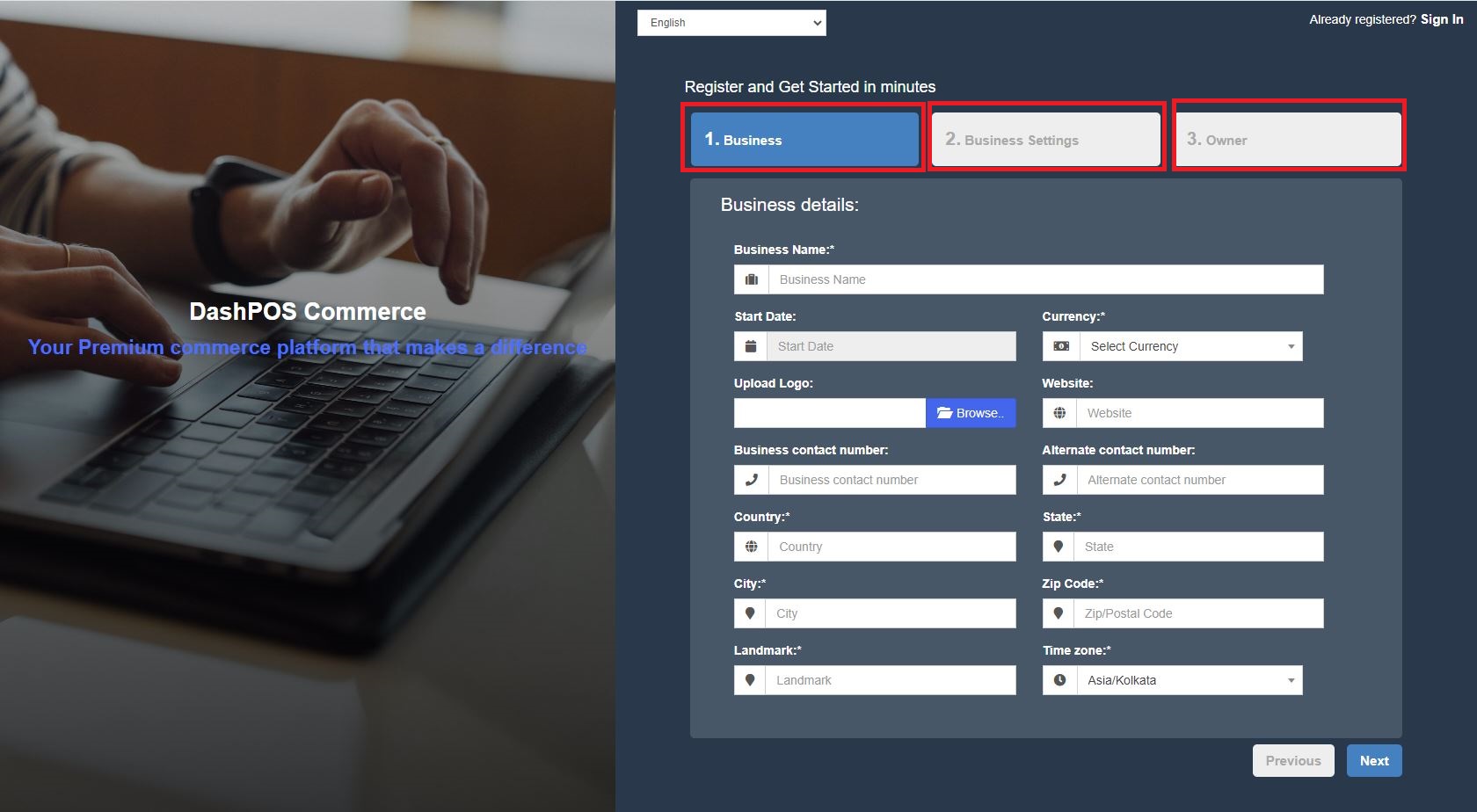
- Registering a business involves multiple steps: Business Details, Tax details, and Owner details.
- Business Details: Fill out the relevant fields, select the appropriate currency and time zone, and click Next. The Time Zone and currency can be different for different registered businesses.
- Tax Details: You should fill out at least one Tax name and number. Taxes like GST/VAT vary between countries. Fill out the details and click on next.
- Owner Details: Provide the asked details. The username and password are used to log in, so make sure you remember them.
- The owner created during this registration will be the business’s admin. From the user management section, more admins can be added, edited, or deleted.
- Click on the register button, and after successful registration, it will be redirected to the login screen. Log in with the owner’s username/password created.