
Connecting Your Website
Integration
Integration in Dmail Email Marketing Application: Email Marketing Web Application refers to connecting Dmail with other systems or platforms to enable seamless data exchange and functionality. This can involve integrating with CRM systems, e-commerce platforms, or other tools to enhance the capabilities of the Dmail Email Marketing Application and streamline marketing workflows.
You can add your website with integration in the Dmail Email Marketing Application.
How to add or Connect your website
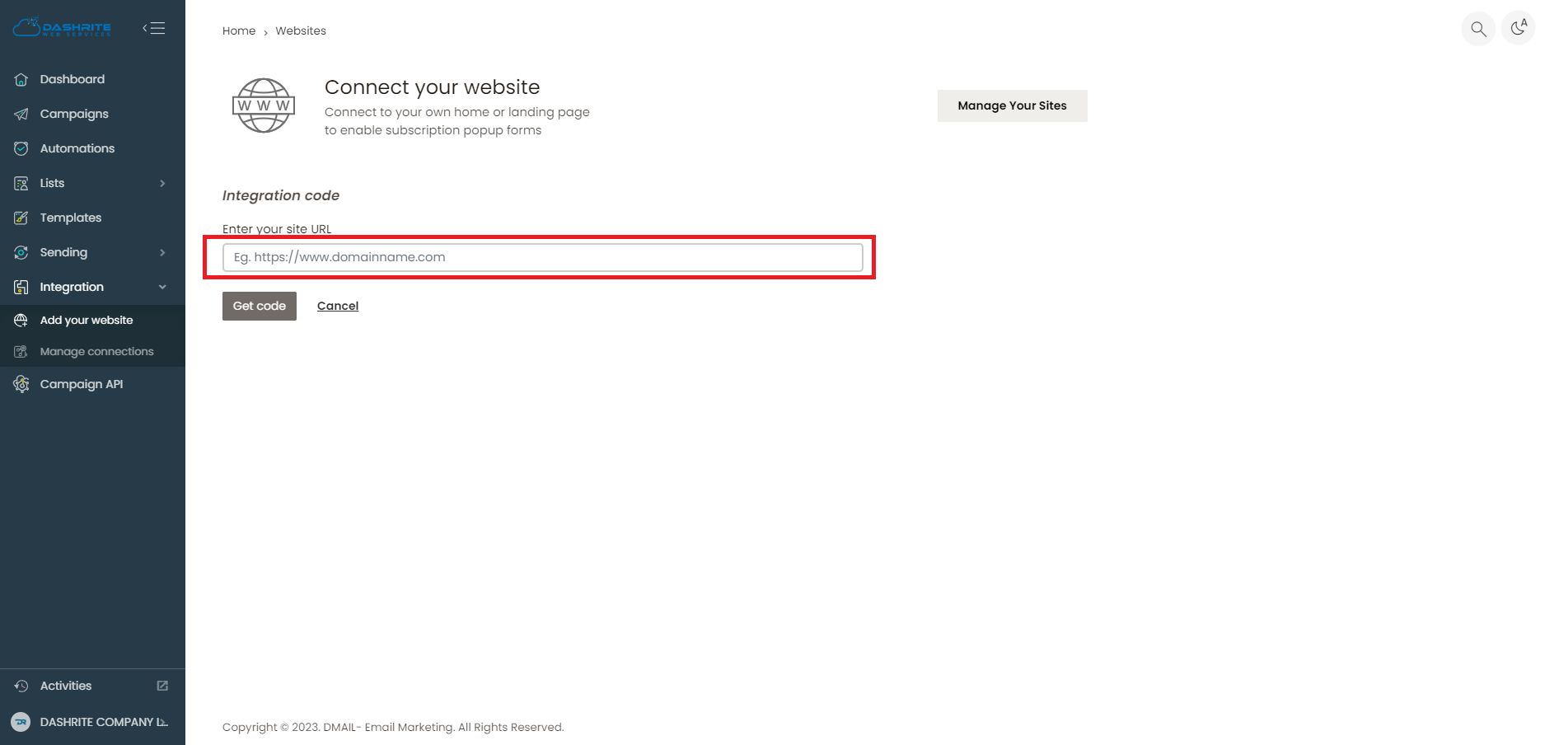
To add or manage integrations or connections, check your left dashboard panel. When you click integration, the Add Your Website and Manage Connections sections will appear below the integration section.
To add your website, click “Add Your Website.” You will then be returned to a workspace to Add Your Website. Then, click on Get code to add your website when you successfully integrate it.
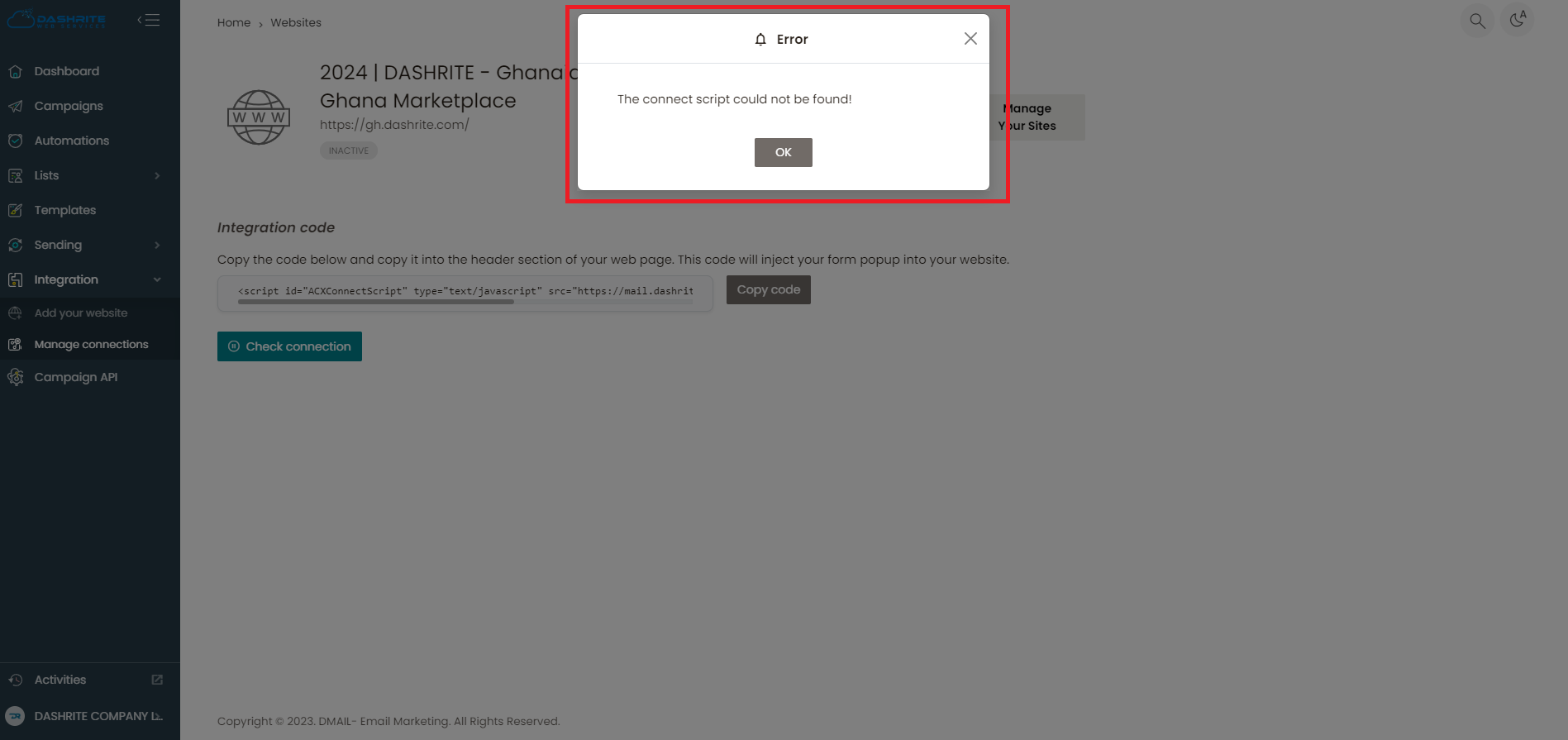
Note: When you copy the code, use it on the connected website, and test connect, the connection will be successful. However, when the code is not in use, and you check the connection, the error below will appear.
Manage Connections
To manage connections, click Manage Connections and check your left dashboard panel. When you click integration, the Manage Connections section will appear below the integration section. Then, you can manage all your connections.