
Howdy! How can we help you?
Upgrading Your Premium Membership.
How To Upgrade your Premium Membership.
DashTube Pro Package will automatically charge the membership price at the start of each new billing cycle until you cancel.
Learn more about how to update your paid membership below.
- Sign in to DashTube.
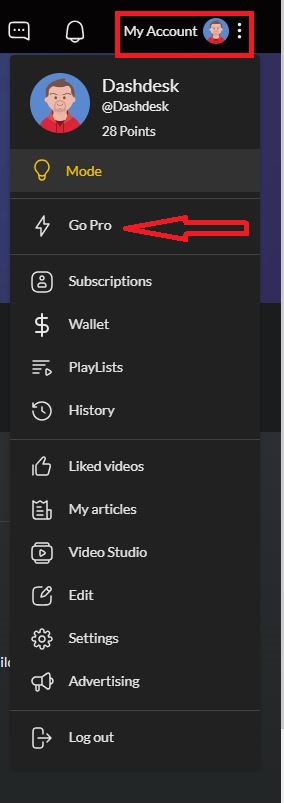
- Click on My Account at the top right corner.
- Select Go Pro from the dropdown menu.
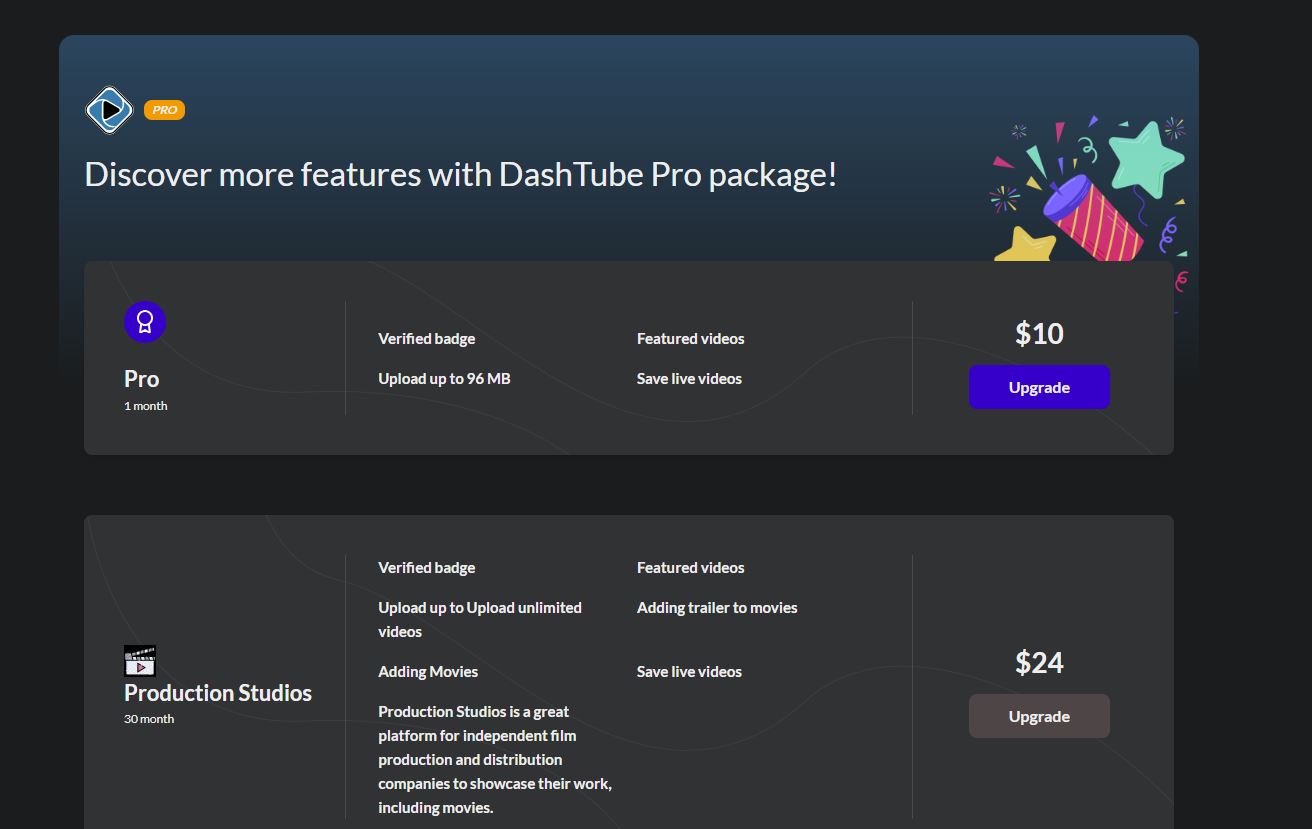
4. Click on the preferred membership plan you want to upgrade to.
5. Click on the purchase to upgrade.
NOTE: You must have money to upgrade to the Paid membership plan. When you do not have any money in your wallet, it will redirect you to the wallet page to add more money. You can use the guide below to add more money to your wallet.