
Howdy! How can we help you?
Creating An Account
Create A DashTube Account.
DashTube platform offers a Freemium model service, where you can register an account for free but may need to purchase to listen to premium Audio services.
A free account gives you access to DashTube services, and a paid account gives you full access to all services and features.
You have the option to stay with a Free or upgraded Paid membership.
However, you must enter payment information to enjoy a premium membership if you select a paid membership.
Please note that to create a DashTube account, you must be at least 13 years old.
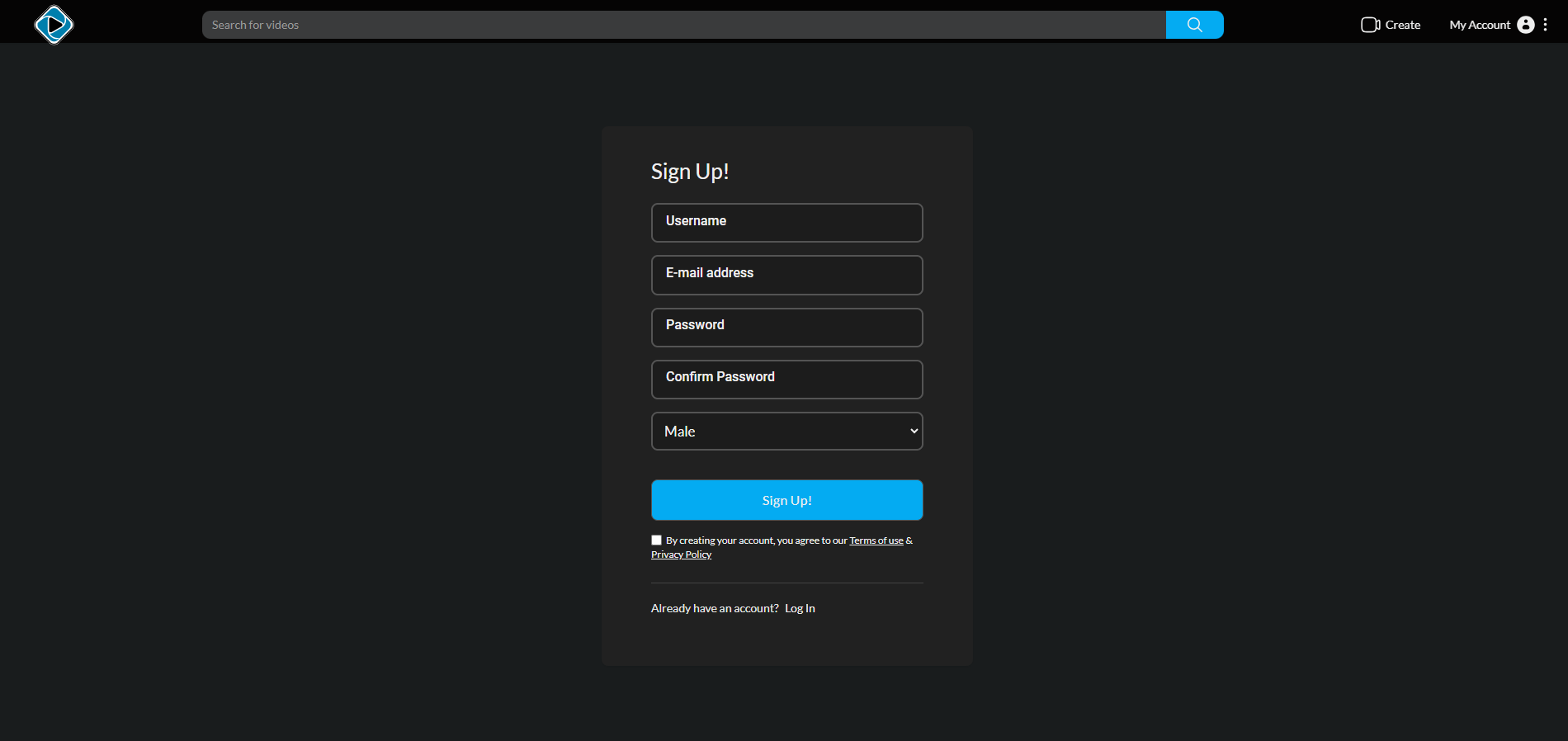
- Go to DashTube, and To register, click the “My Account” icon at the top right corner and select REGISTER from the drop-down menu.
- Fill out the sign-up form on the screen with the required information.
- Remember to click on the checkbox for the Terms of Use & Privacy Policy.
- Remember to click on the checkbox of the reCAPTCHA to be verified.
- Click on the signup button to get onto your dashboard.
If you already have an account on this platform, simply login to your existing account by
- Click on the My Account icon and choose LOGIN from the menu.
- Enter in your USERNAME and PASSWORD.
- Click on the login button to get onto your dashboard.