Subscribing To DashTube Channels.
How Subscribe to DashTube Channels.
You can subscribe to channels you like to see more content from them. A Subscribe button is under any DashTube video or a channel’s page. Once you subscribe to a channel, any new videos it publishes will appear in your Subscriptions or notification box.
You may also get notifications when a channel you subscribe to publishes new content. By default, we’ll only send you the highlights from the channel. Learn how to manage your notifications.
Subscribe to a DashTube channel.
- On a computer, sign in to DashTube.
- Go to a video whose channel you want to subscribe to.
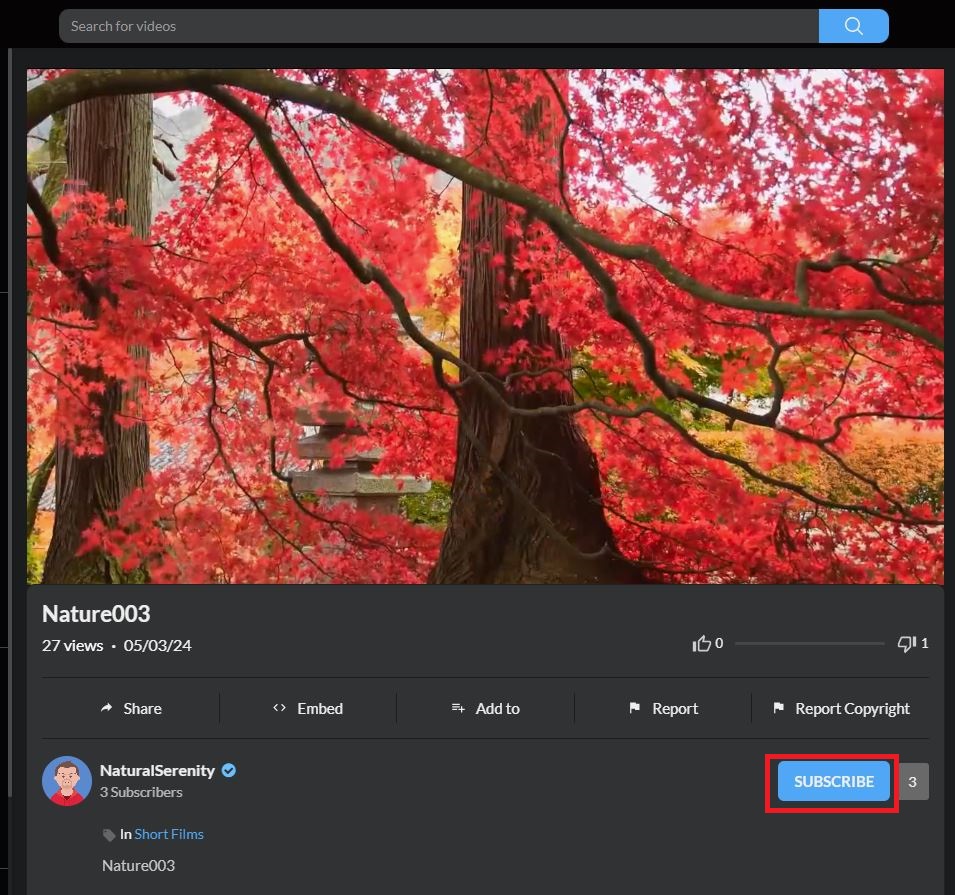
- Under the video player, click Subscribe or click on the profile to go to the channel’s page for the video.
- Click on Subscribe at the right part of the profile.
When you’ll get notifications
When you subscribe to a channel, we’ll automatically notify you of its highlights. By changing your notification settings, you can receive a notification every time the channel publishes content.
Note: that your notification settings will be reset if you unsubscribe and re-subscribe to a channel.
Unsubscribe from a DashTube channel
- On a computer, sign in to DashTube.
- Go to a video whose channel you want to subscribe to.
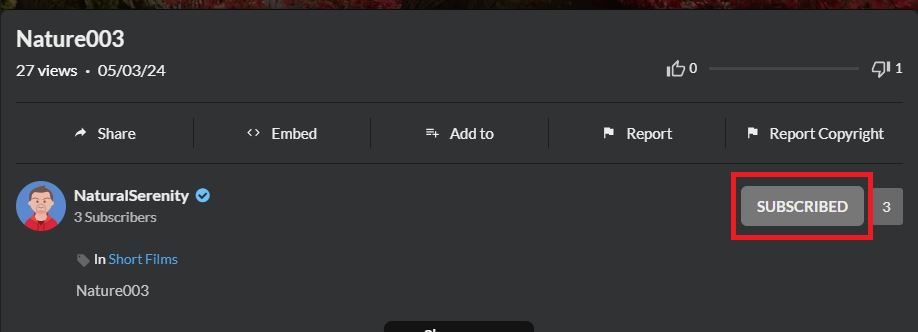
- Under the video player, click Unsubscribe or click on the profile to go to the channel’s page for the video.
- Click on Unsubscribe at the right part of the profile.
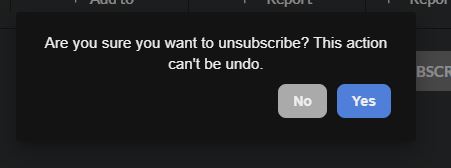
After clicking on it to unsubscribe you will get a confirmation message to confirm it.
Click Yes to confirm.