Howdy! How can we help you?
Report
Report (Analyzing form submitted data)
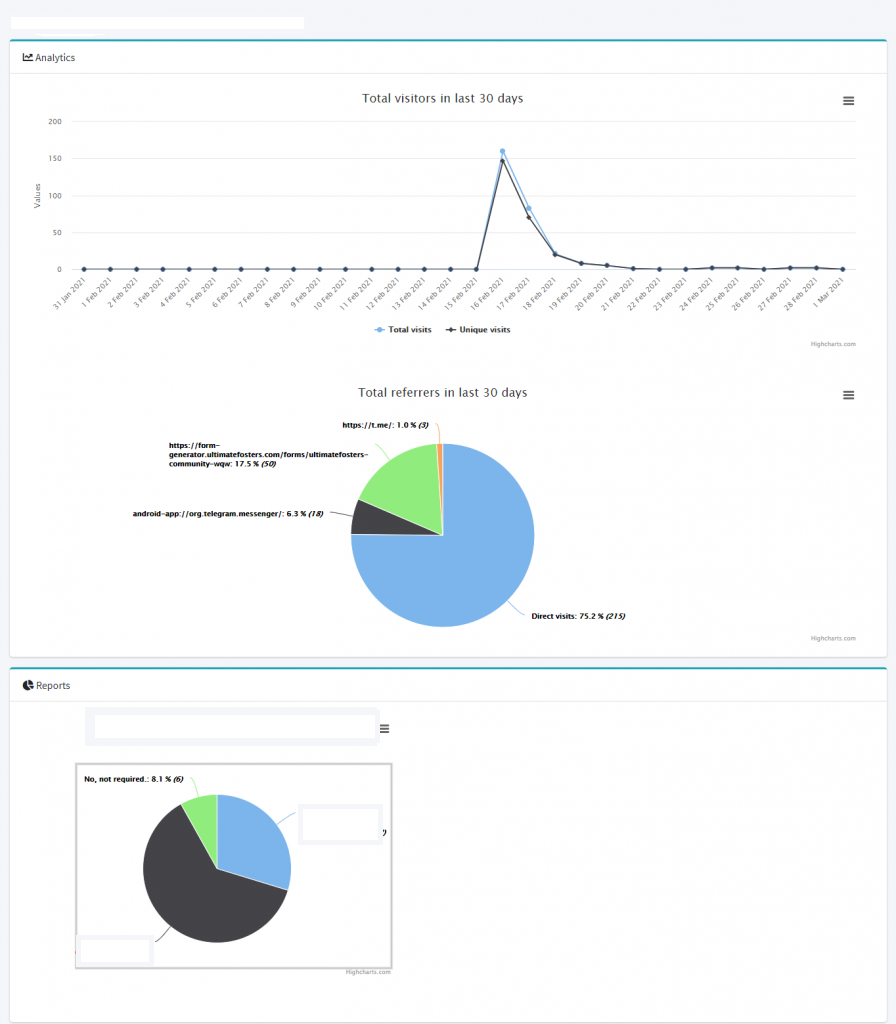
The Dashforms Form generator comes with Reports, where data from a form submitted can be analyzed.
To check a report, follow these steps:
- Go to the Home page -> All Forms tab
- Here, with each form, there will be a Report link,
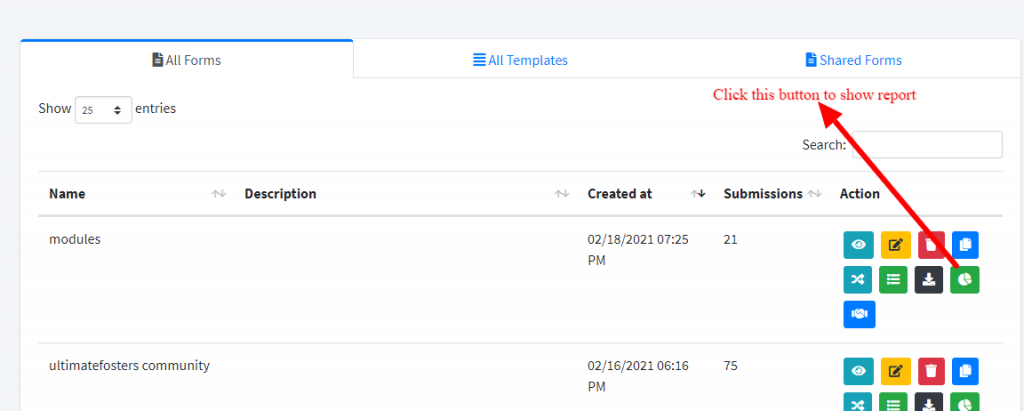
3. Click on the report link, and it will show a chart of the report, as below: