App Settings And Profiles
Profile And Settings
Trips
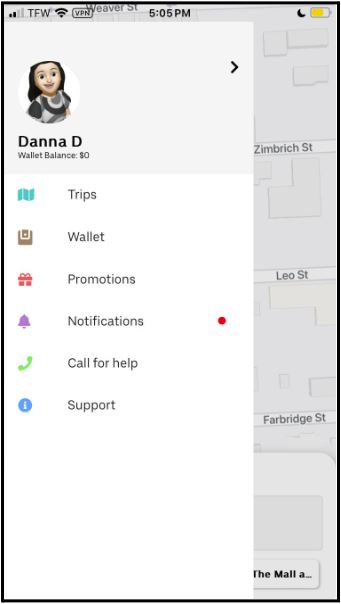
The trips section in the rider user app displays all the details of your current, completed, and canceled trips. It provides information about your trip itinerary, including the date, time, and destination. You can also view any relevant trip updates.
Wallet
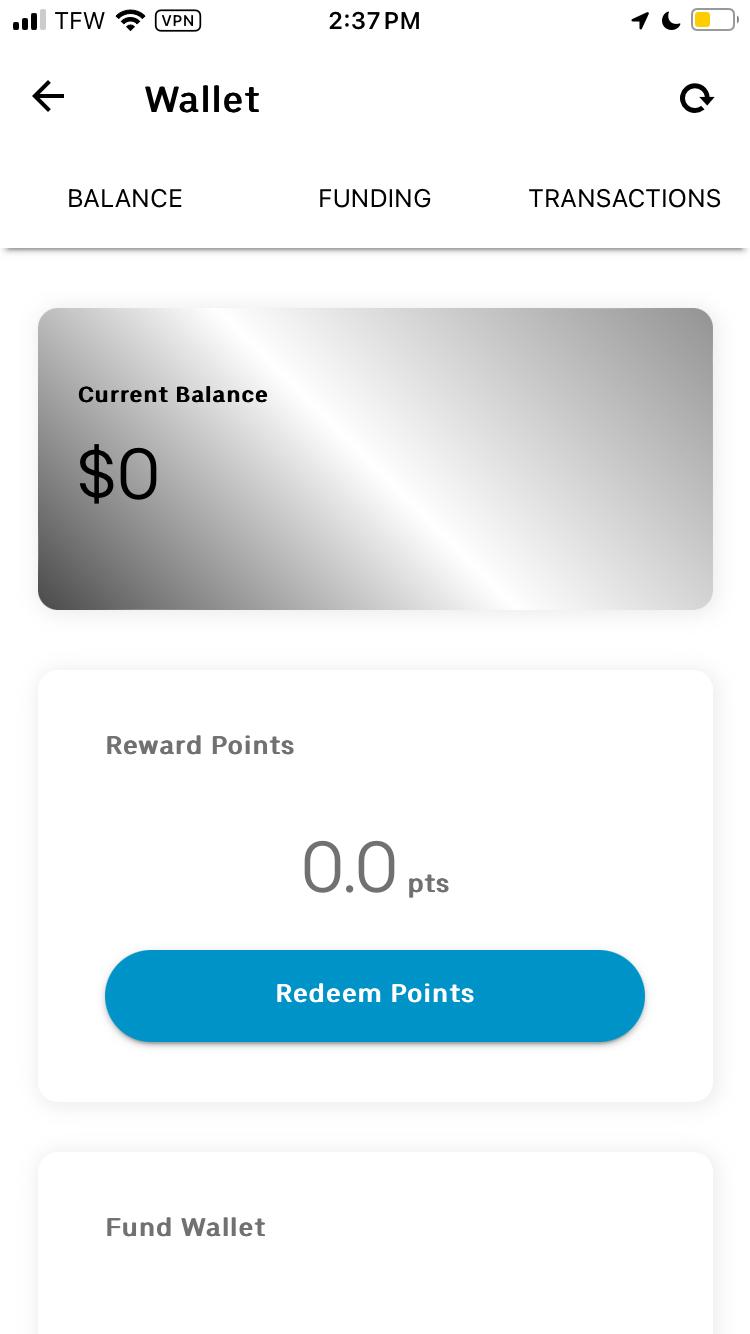
Driver Wallet: The driver app’s wallet section allows the driver to manage your digital funds. It typically includes checking your balance, funding your wallet, and transactions. Based on the driver’s location, you might need to invest your wallet as a security deposit to be able to drive, mainly when you need to accept cash as payment; in such cases, if you do not have enough on your account, you would not be able to drive ( in most cases Dashride guarantee to allow driver drive)
Rider Wallet: The wallet section in the user app allows you to store and manage your digital funds. It typically includes features such as checking your balance, funding your wallet, and transactions; if you decide to pay for services with the wallet, you need to fund it if the account’s wallet balance is lower than the cost of the ride or services.
Earnings (Driver)
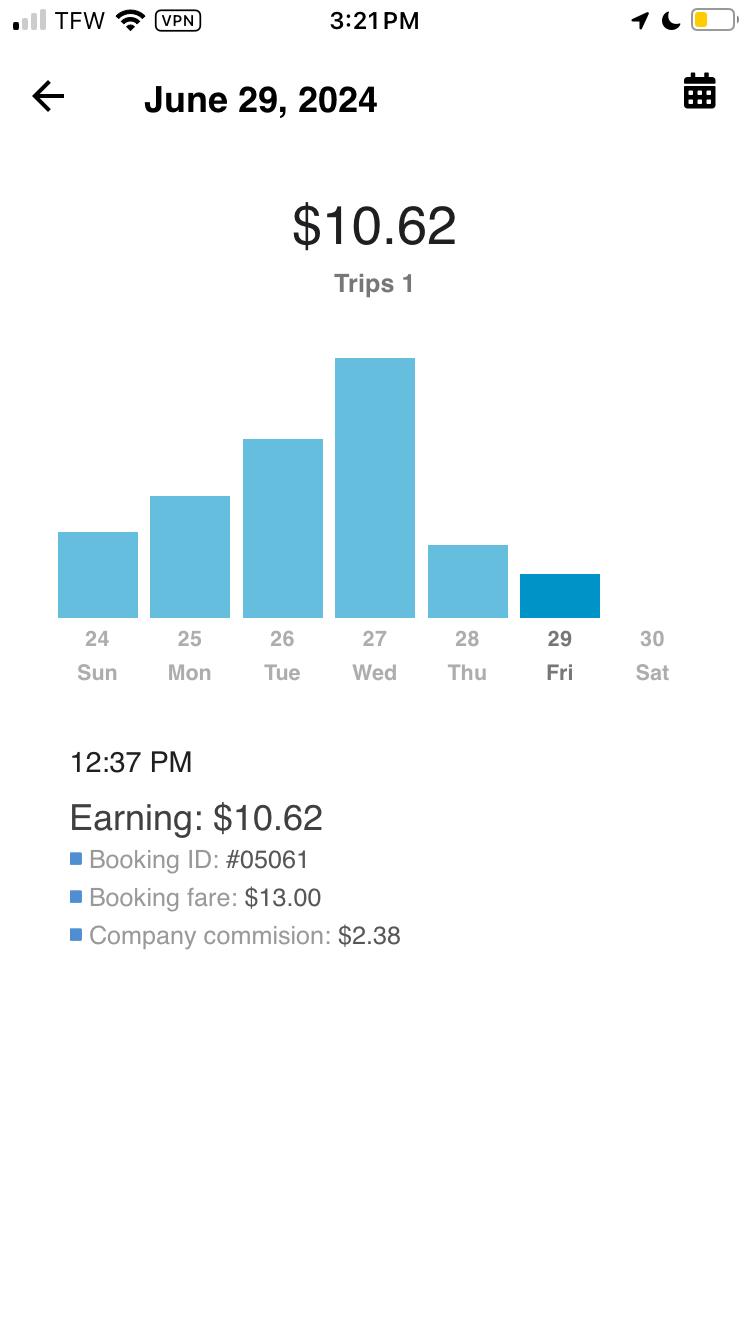
The Earnings section in the driver app is designed to be transparent. It displays all the earnings you have made through the platform, including details such as the amount earned, the source of earnings, and the timeframe for which the earnings are displayed. It provides an honest overview of your earnings, helping you track your income.