Howdy! How can we help you?
Creating Campaigns
Creating Campaigns
- You must have an active account status to create an ad or campaign. Log in or Create an account.
Click on Campaigns Dashboard. Users can manage their accounts, create campaigns, or view active campaigns and statistics on the Campaigns Dashboard.
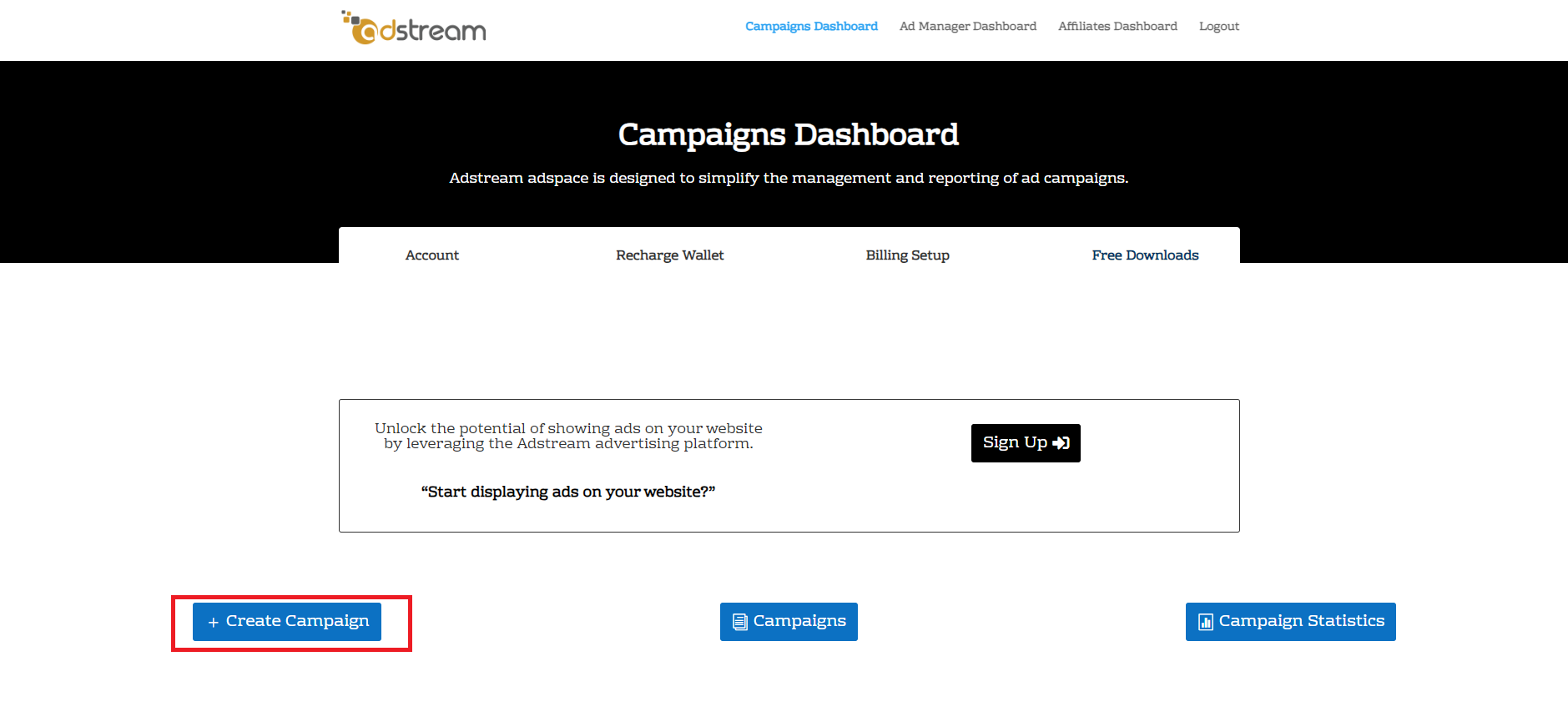
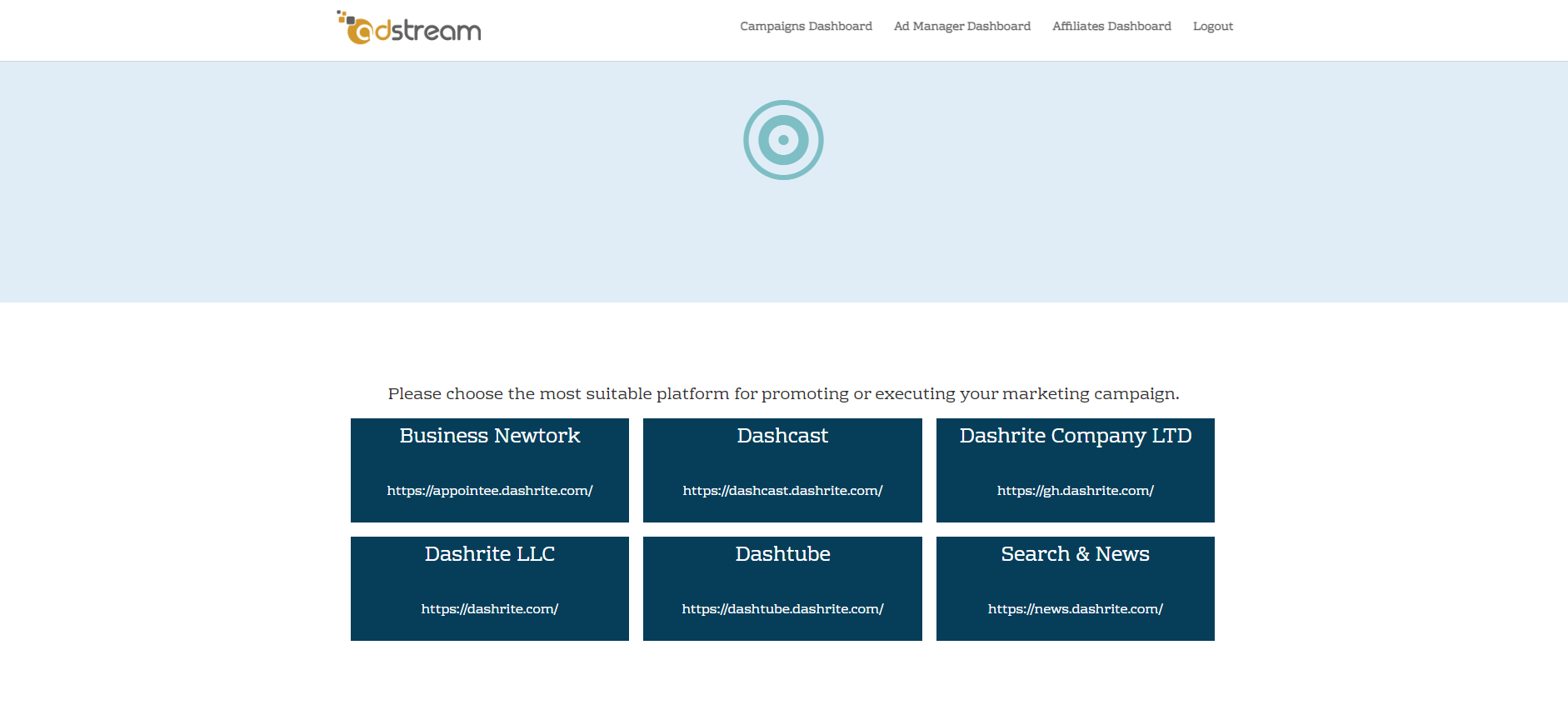
- To start a Campaign, click Create Campaign. You will be directed to the agency network and choose your preferred network to create your Campaign
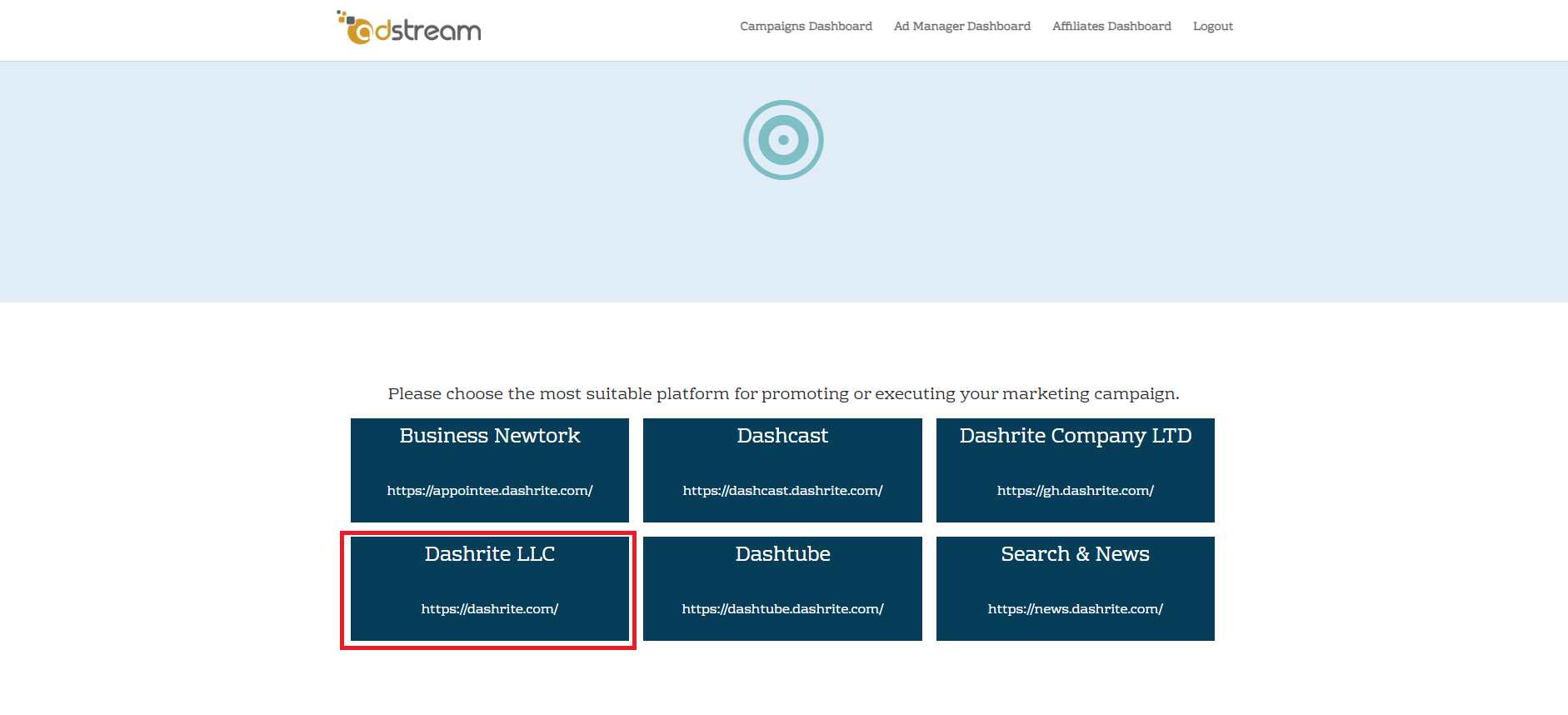
- For this demonstration, let’s choose a Partner Network called Dashrite LLC by clicking on the Dashrite LLC network to continue creating our first Campaign.
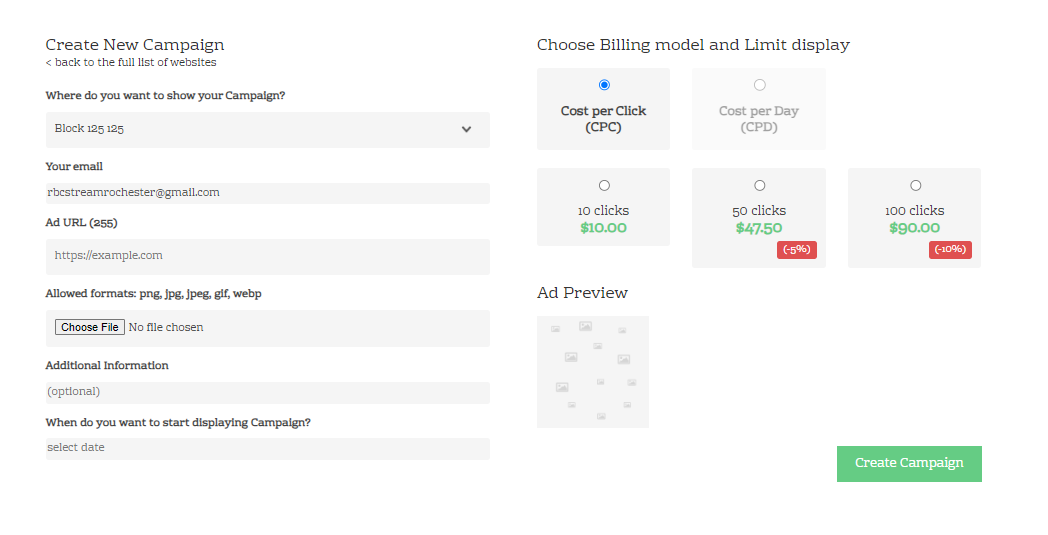
- Adstream used three billing models for creating ads:
-
-
-
Cost Per Click, CPM,
-
Cost Per Millie Or View CPM
-
Cost Per Day CPD, to start creating a campaign, keep my might for this model to help you.
-
-