
Howdy! How can we help you?
DashCast Platform Notifications
DashCast Platform Notifications
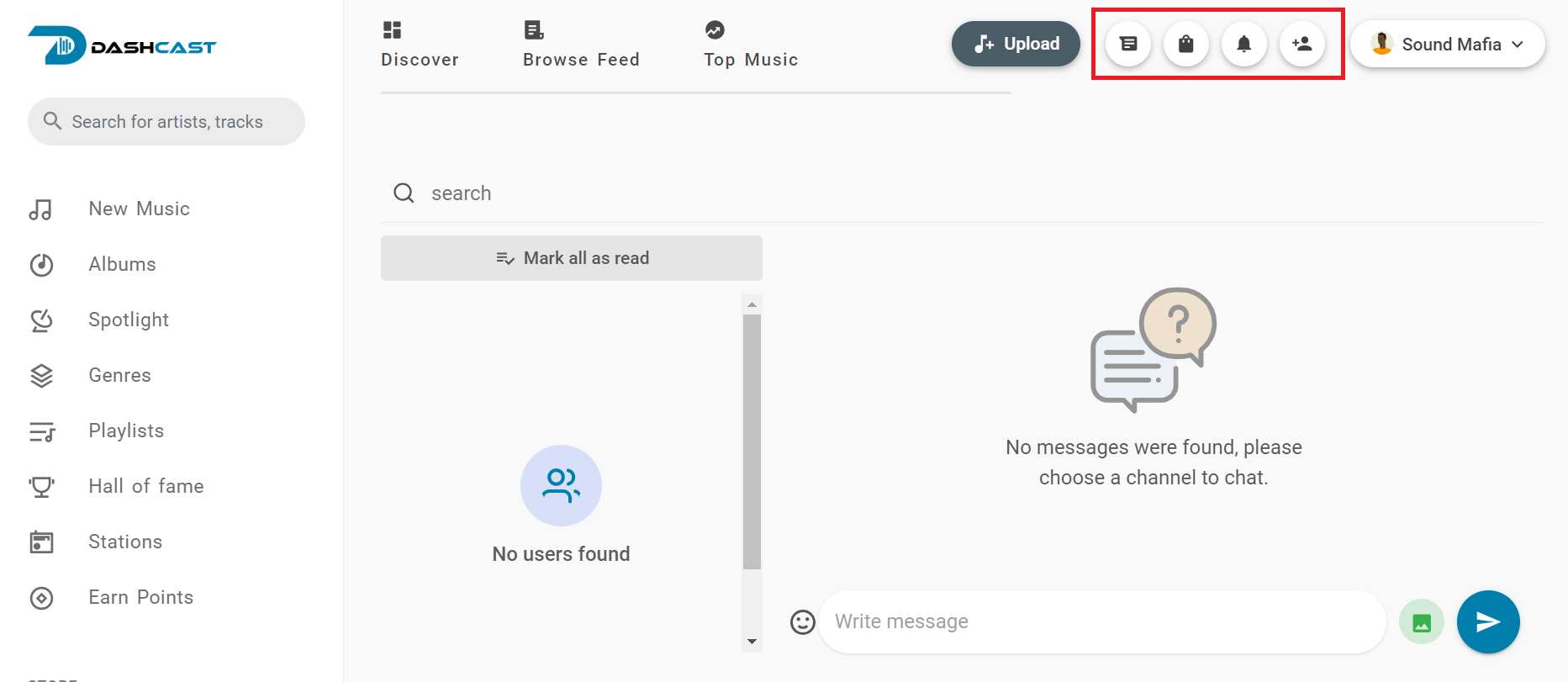
- MESSAGE: This message icon is at the top right corner of the platform. It contains all the messages sent by a user or an artist. You can also send messages to anyone you need on the platform.
- CART: This cart icon is found at the top right corner of the platform. It contains music, audio, or tracks you want to purchase but have yet to buy on the platform.
- NOTIFICATION: This notification icon is at the platform’s top right corner. It contains notifications of a new follower, your track is ready to view, and many more on the platform.
- FRIEND REQUEST: This friend request icon is found at the top right corner of the platform and contains all the requests from your followers or users.