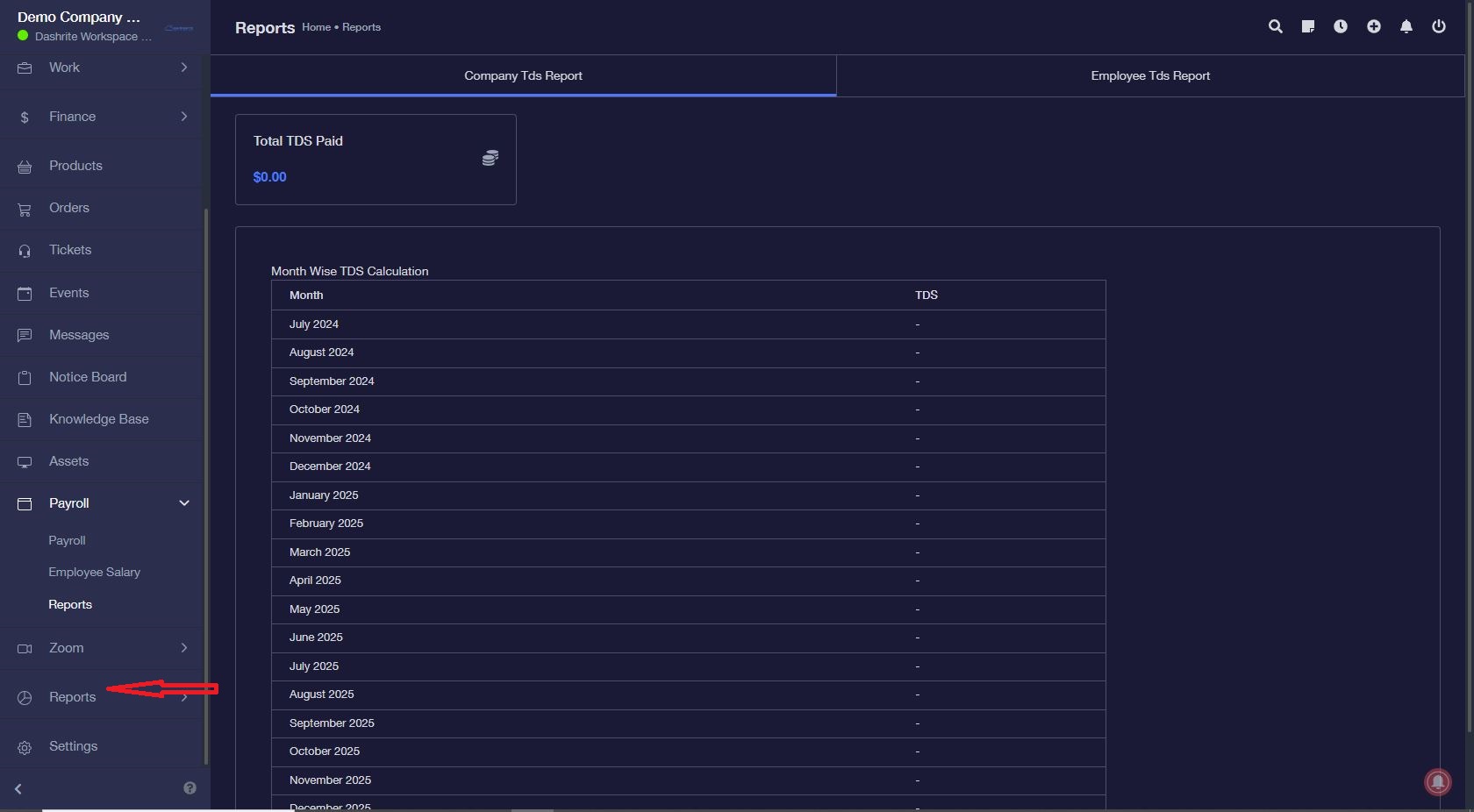
Payroll Setup
Payroll Setup
Step – 1: Payroll Settings
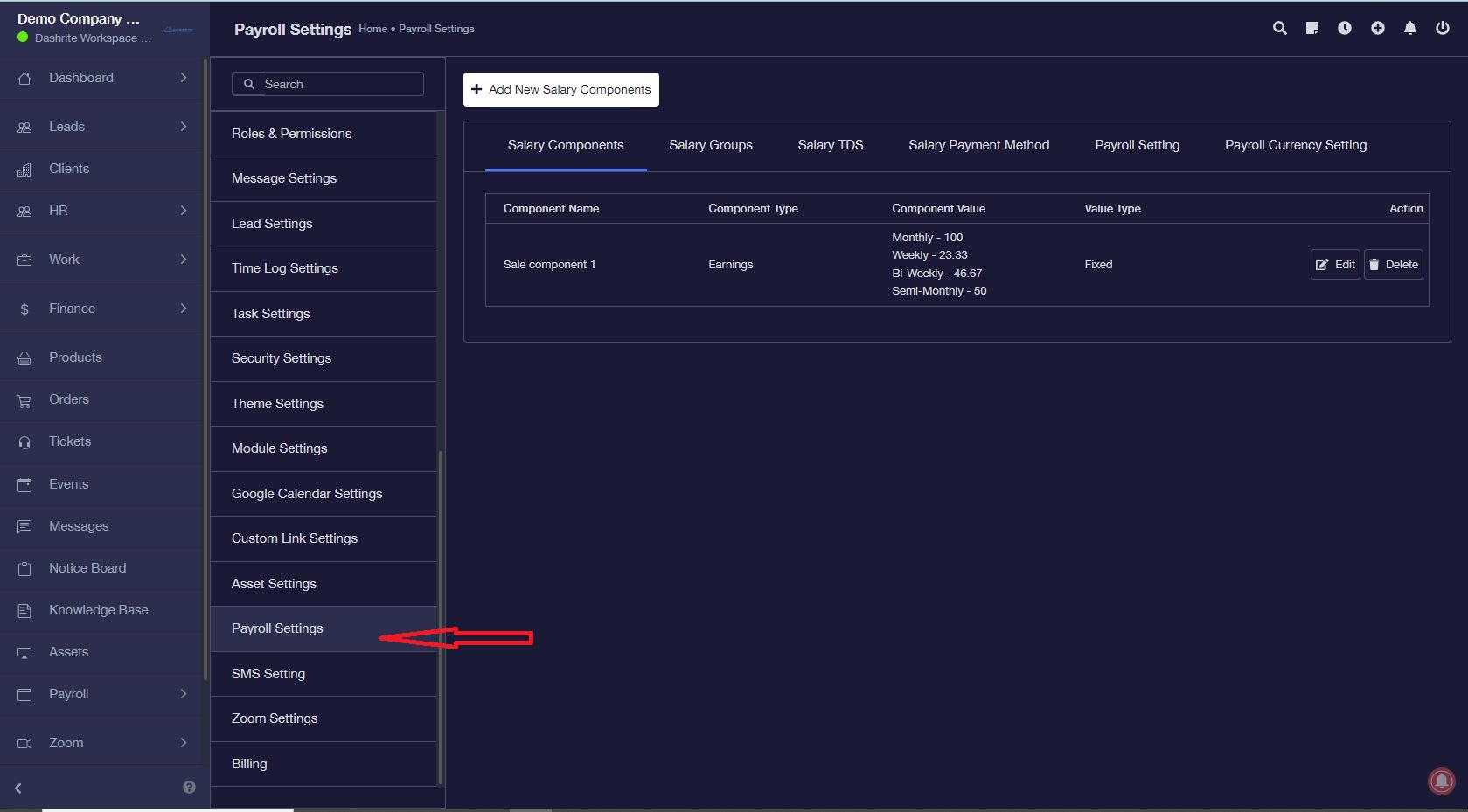
Go to Settings -> Payroll Settings
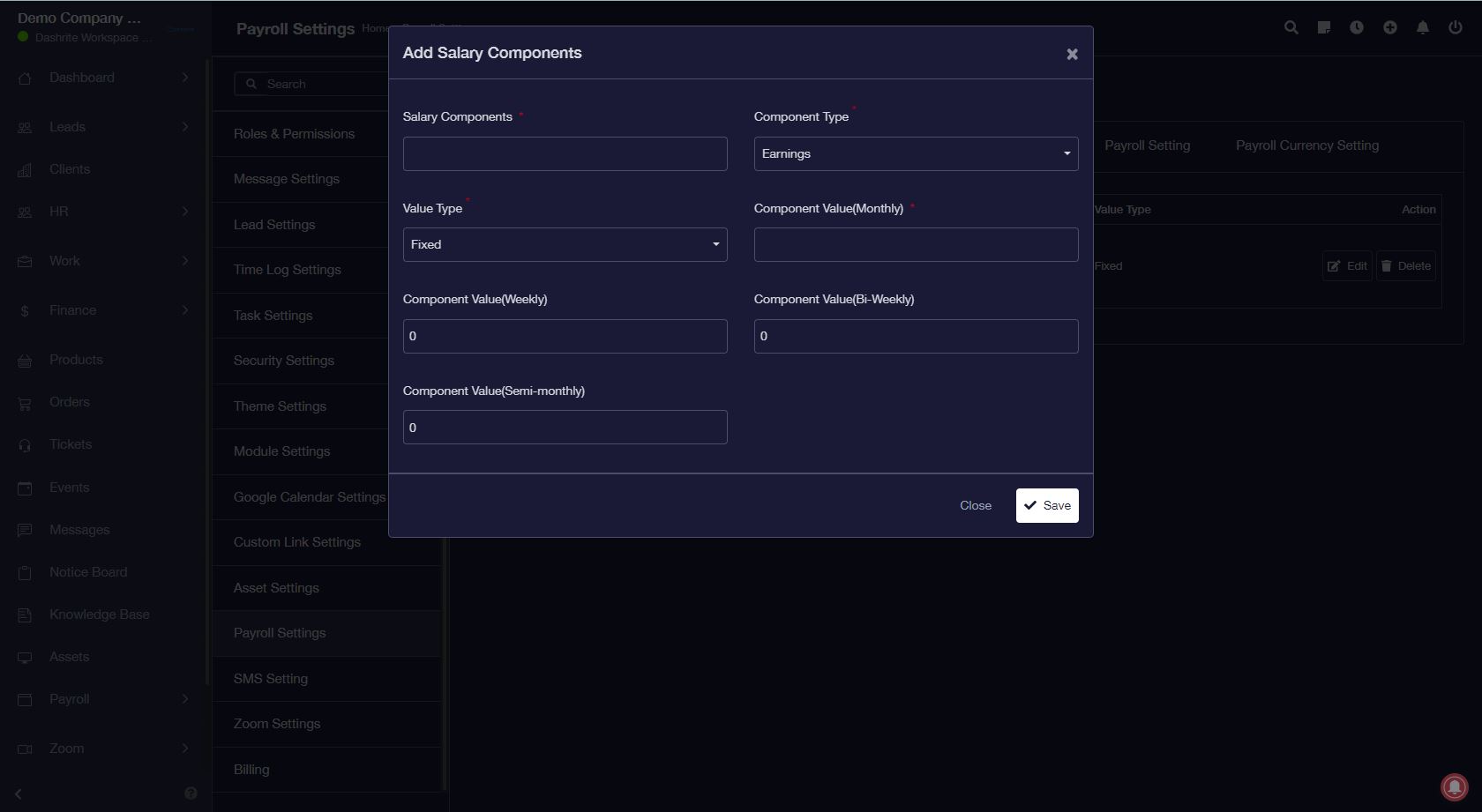
Step – 2: Salary Components.
Adding salary components is straightforward. There are two types of components: Earnings and Deductions. Components can be fixed or a percentage of net salary.
Step – 3: Salary Groups.
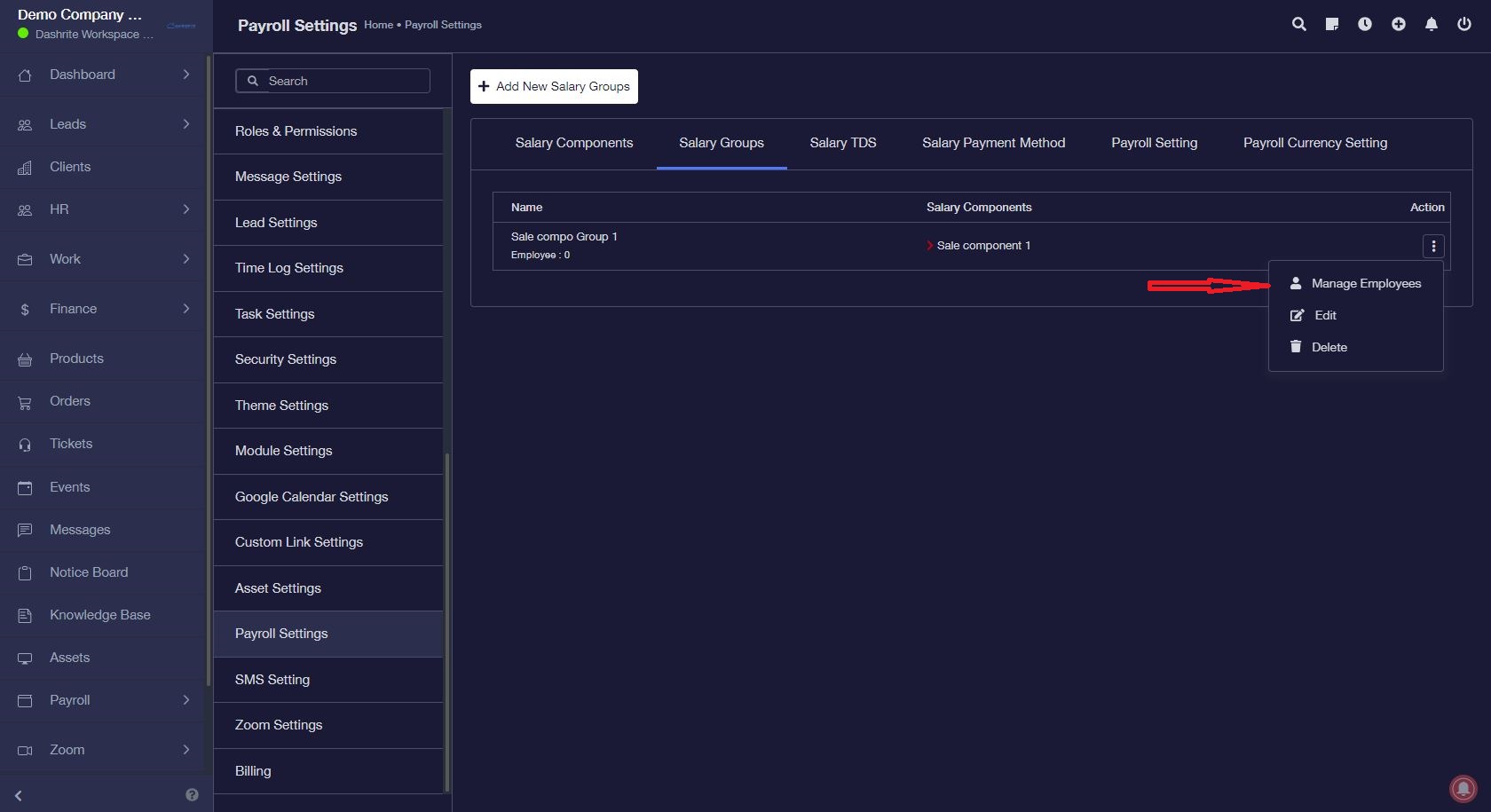
Once you have created the salary components, you must assign them to a salary group. So, create and assign the components to a salary group.
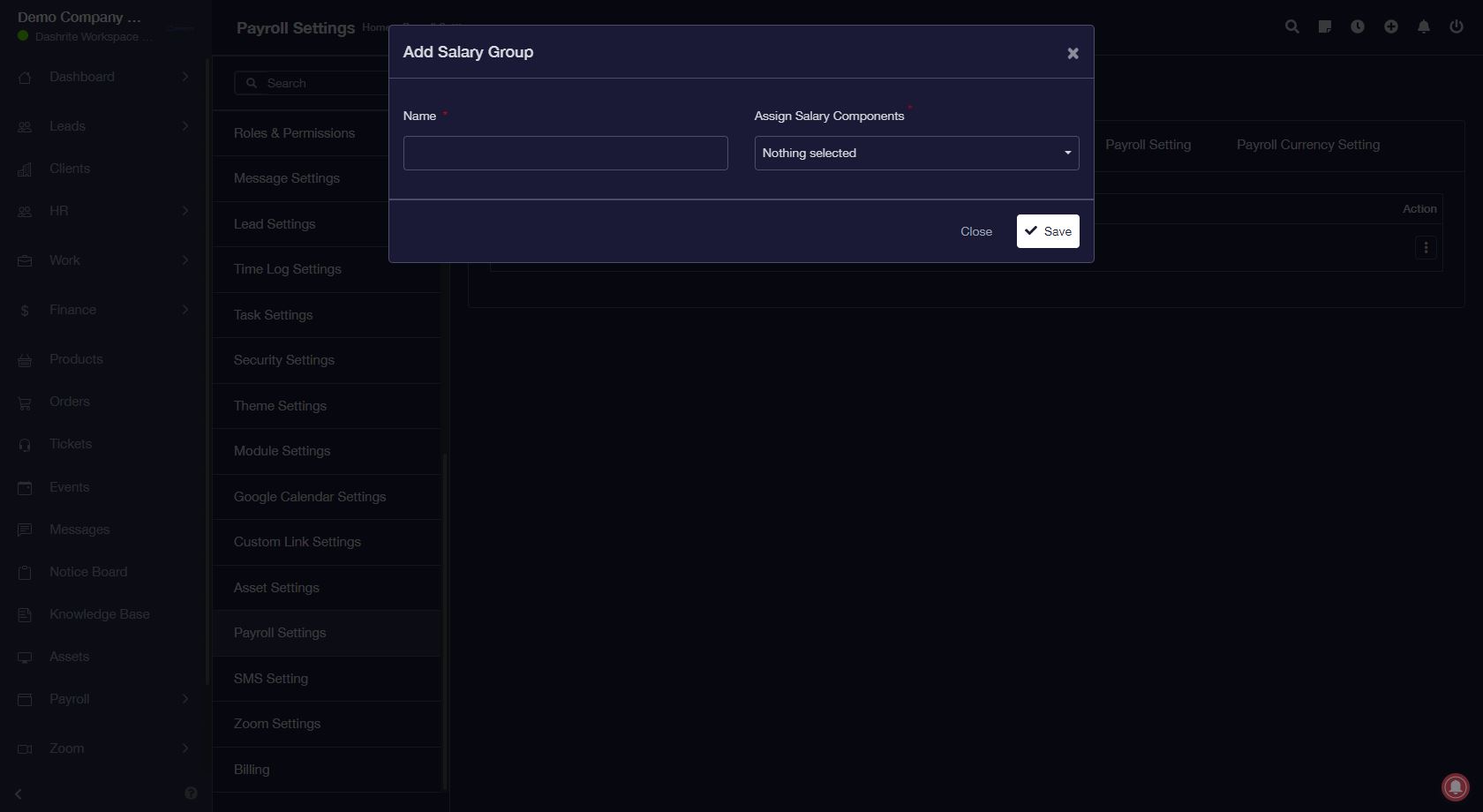
Step 4: Add Employees to Salary Groups
After creating salary groups, you will have to assign employees to them. One employee can be assigned to only one salary group at a time. Click the Manage Employees button for the salary group to which you
Step – 5: Salary TDS (If Applicable)
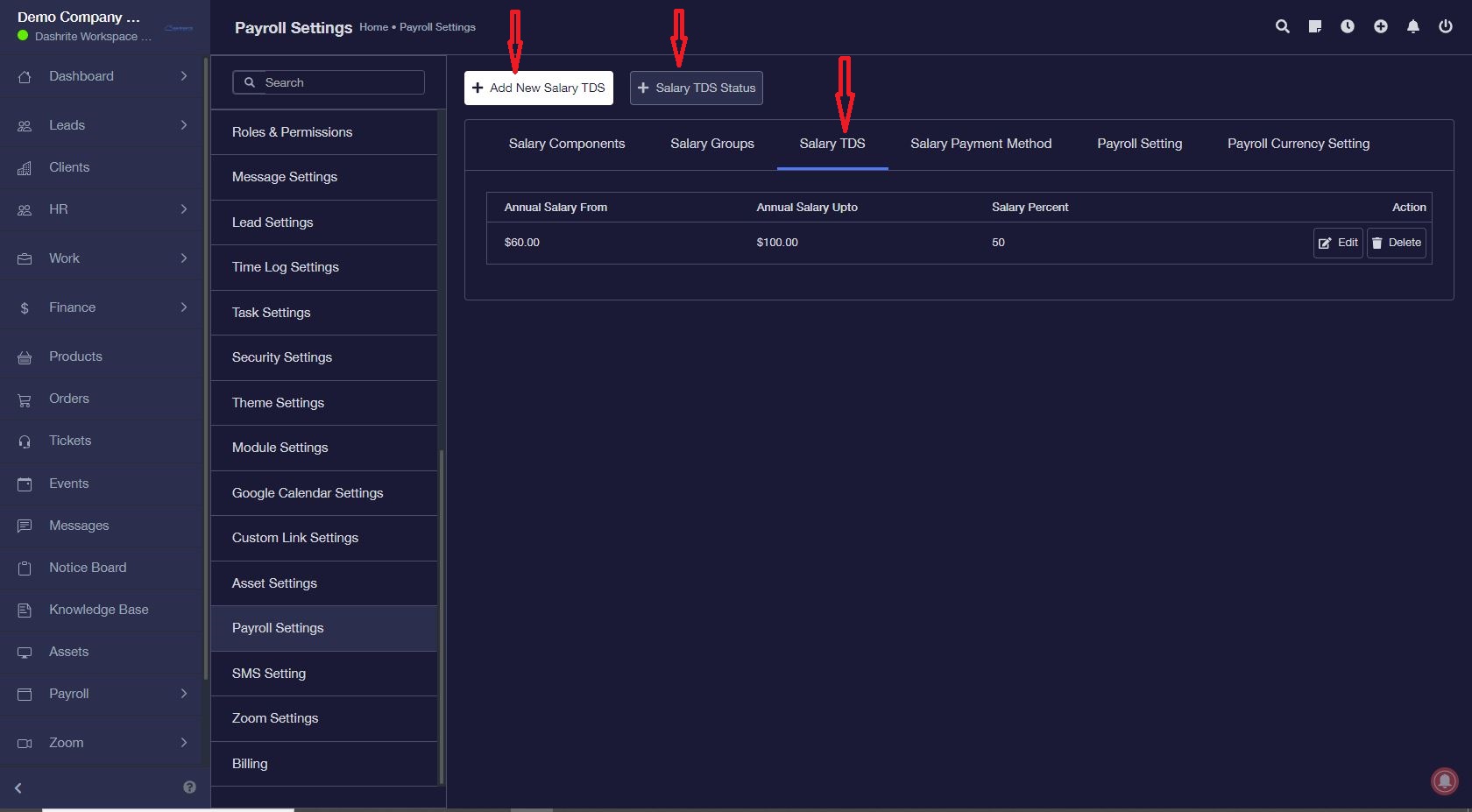
If Salary TDS is applicable in your region, you can set up the salary tax slabs. You also need to set the financial year’s start month.
Remember to set the status to active for TDS.
Step 6: Salary Payment Methods
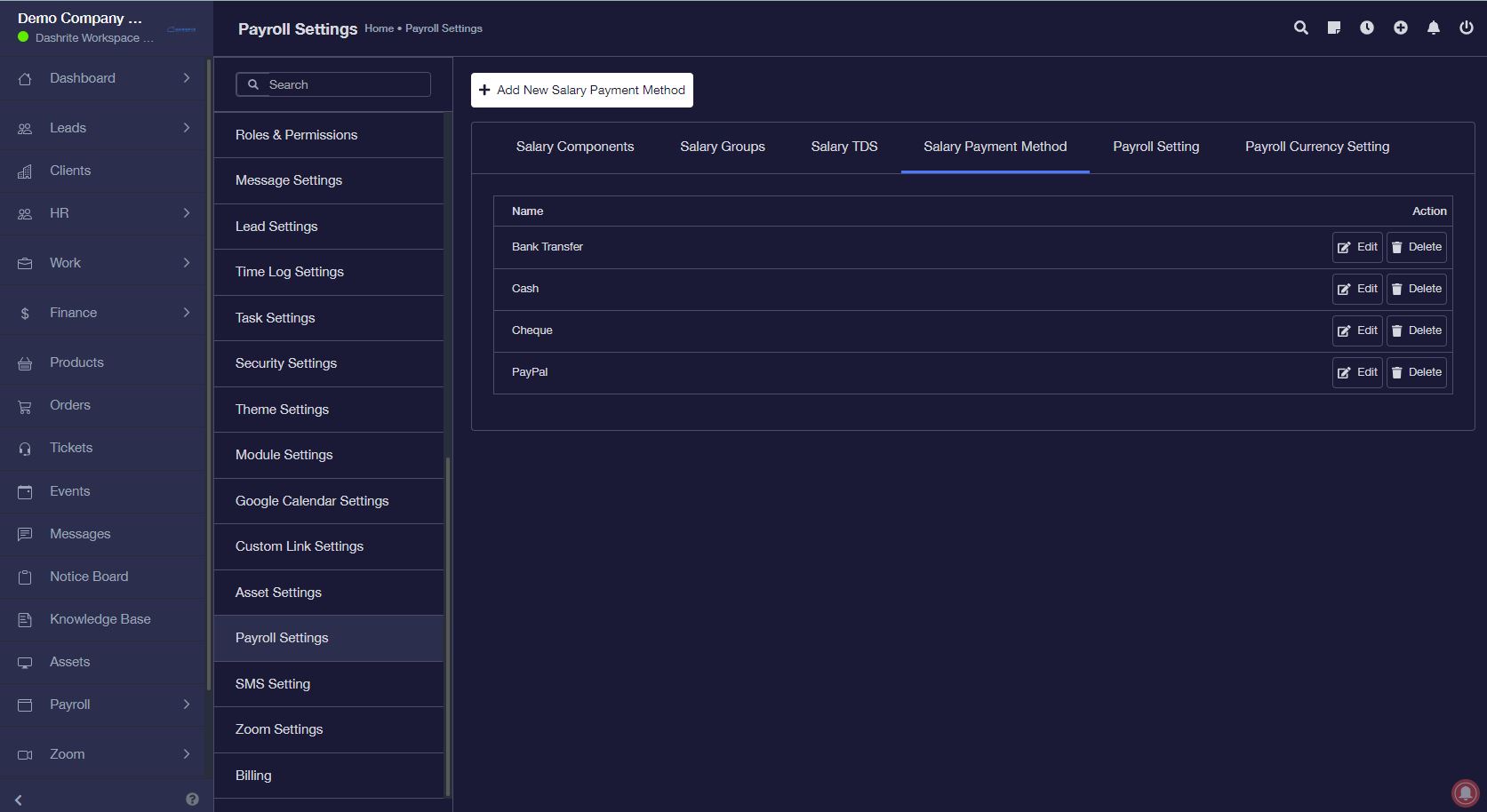
This section allows you to manage the salary payment methods. These methods are for only information purposes and are not for actual payment.
Step – 7: Payroll Setting
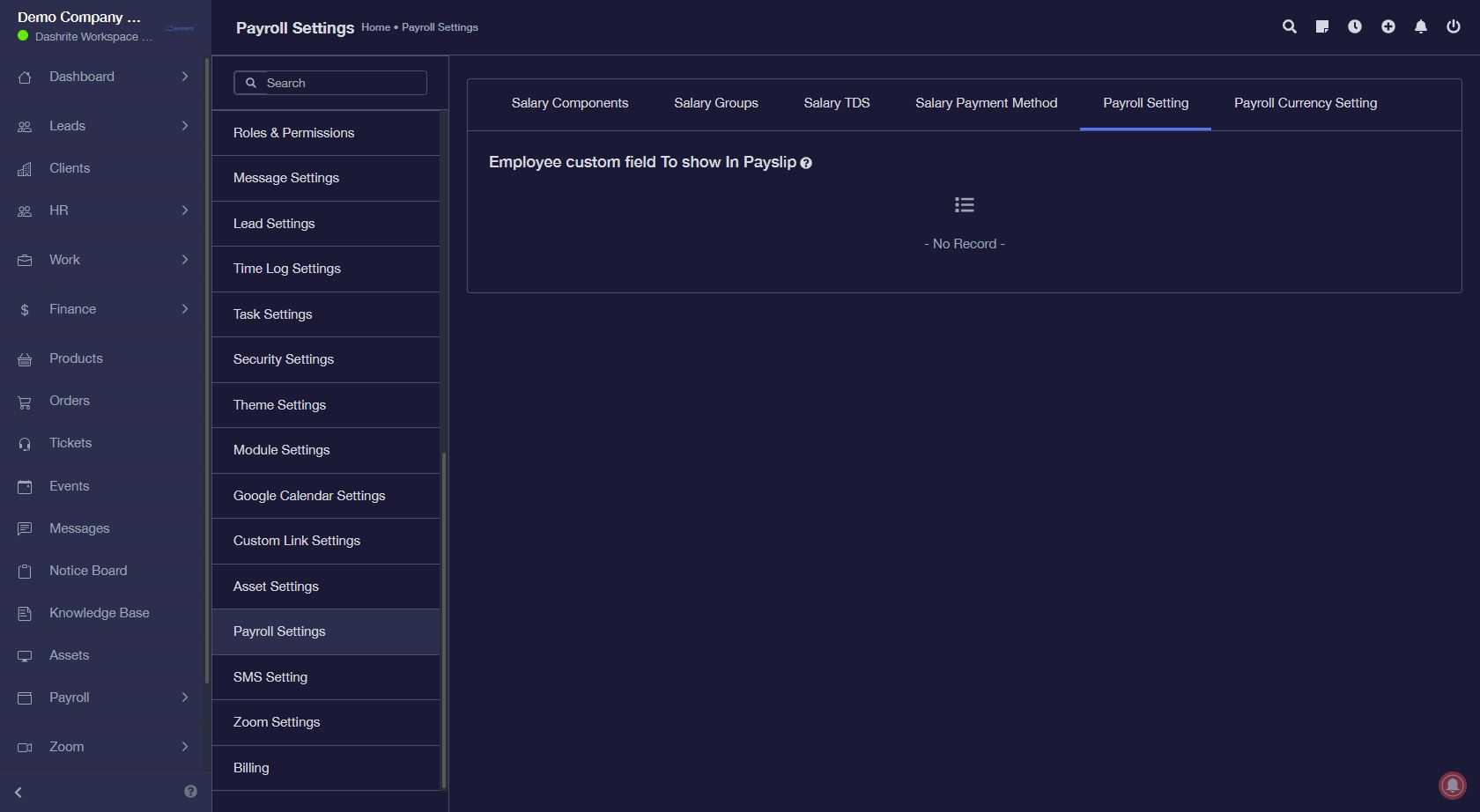
If you have a custom field added to an employee that you must show on the payslip, you can select it here.
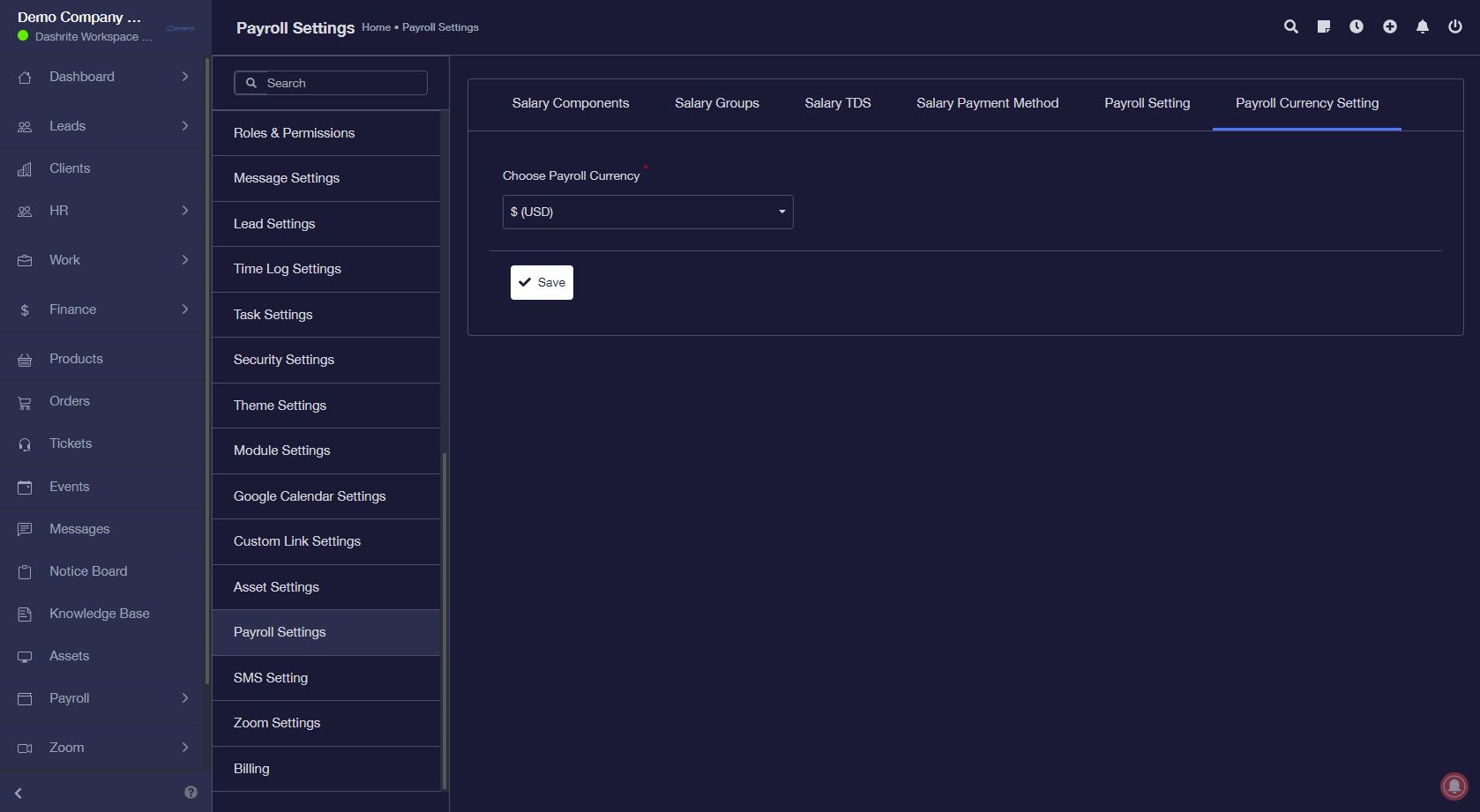
Step 8: Set Payroll currency setting.
You can set payroll Currency differently.
Step – 9: Set Employee Salaries
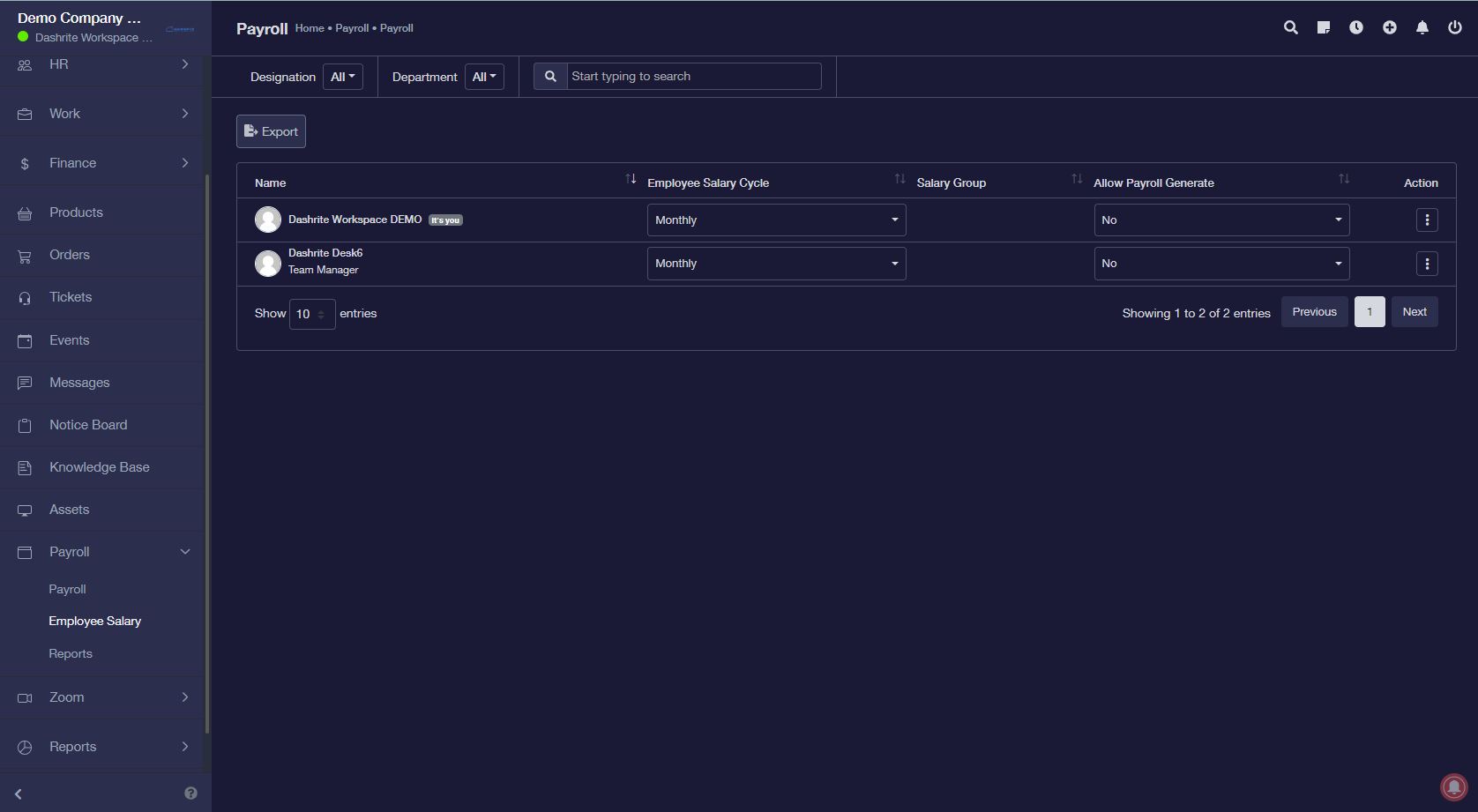
The last step is to set employee salaries. From the left menu, go to Payroll -> Employee Salary. This section sets the monthly wages for each employee.
Step – 10: Reports
TDS reports are also available.