
Howdy! How can we help you?
Adding A Business Profile
How To Add A Business Profile
NOTE: To add a wholesale business to the listing, one must first consider which region or country they want to create a business profile
For this example, we want to create a wholesale business profile in the United States.
STEP1
Visit the global listing directory page at https://dashsel.com/, and you will be directed to the country selection page to view or create a profile.
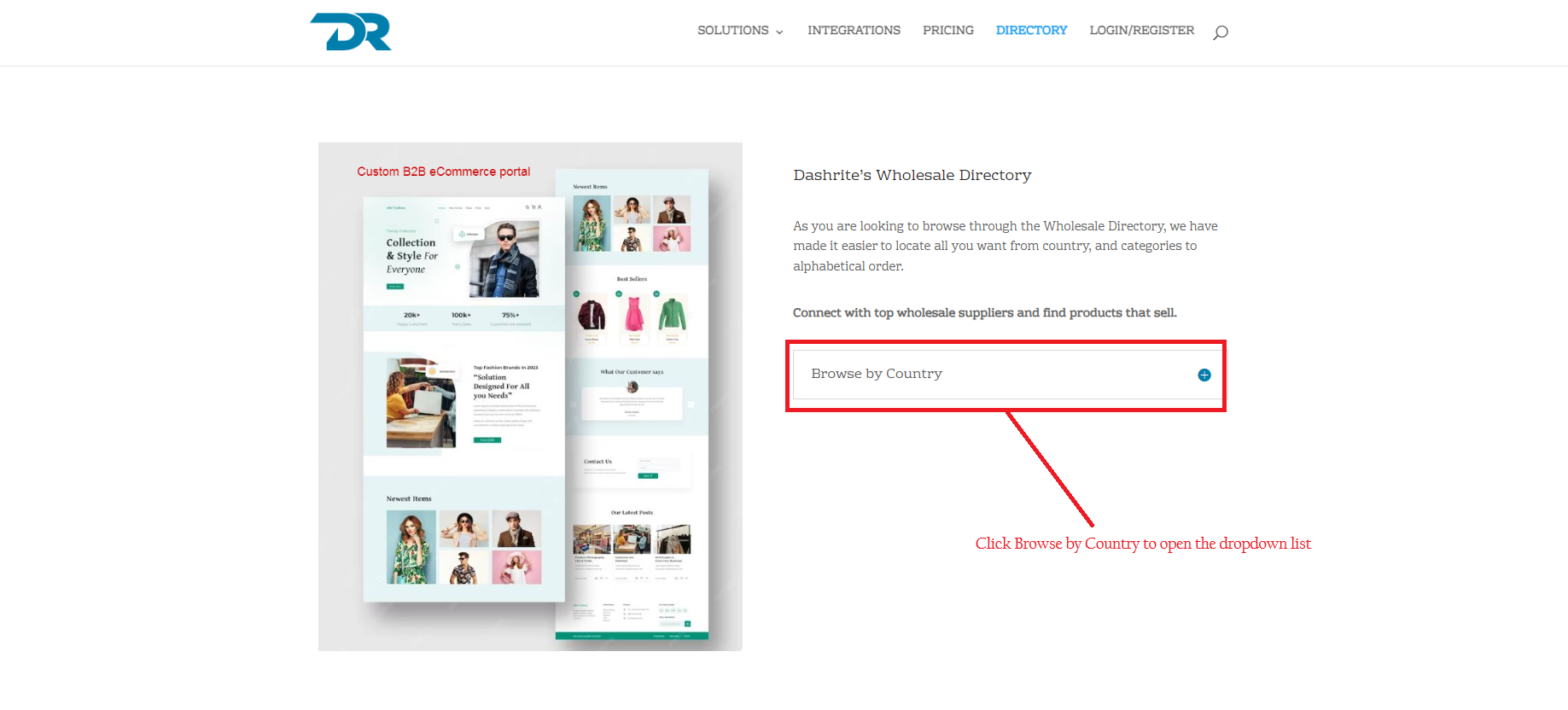
STEP 2
You can select the country you want to view or create a profile here.
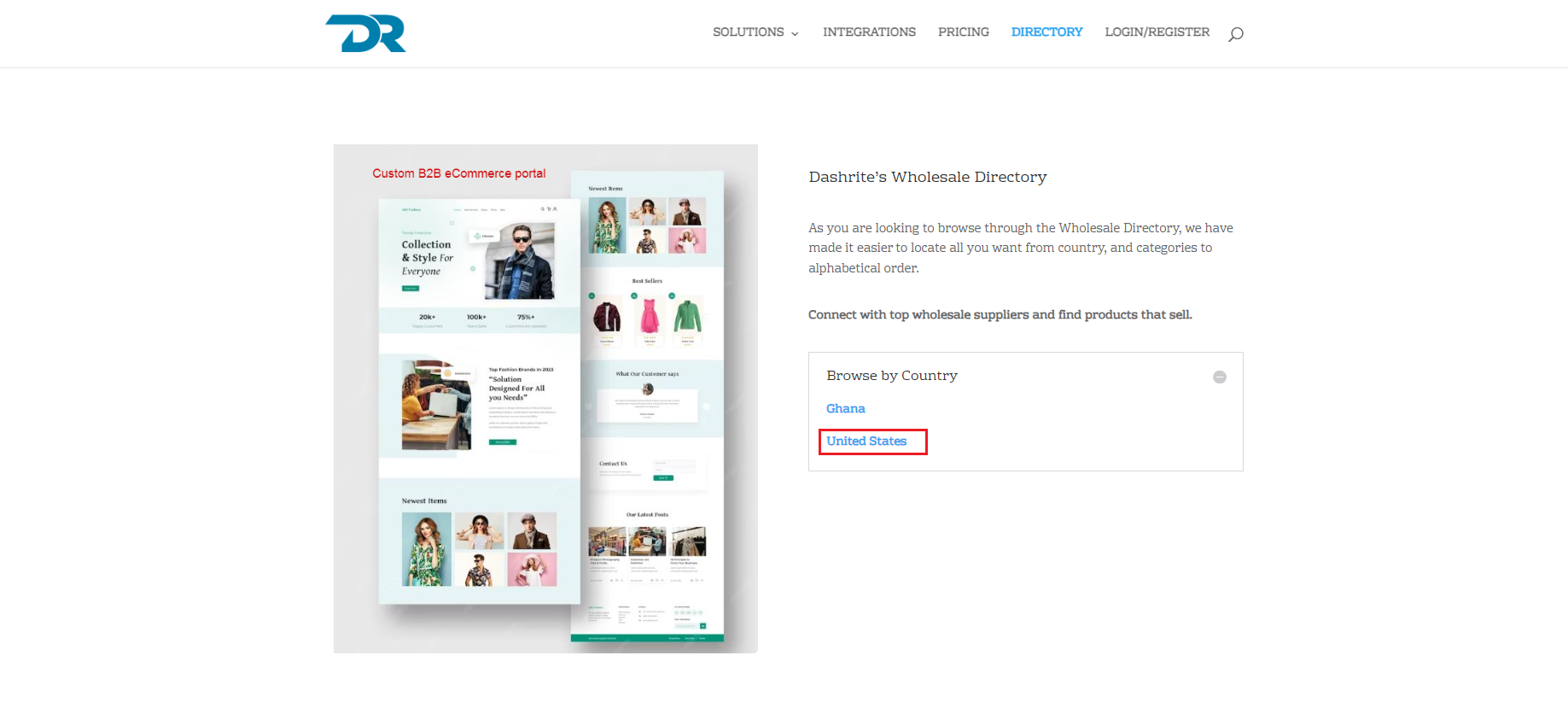
STEP 3
Click on Add Business to create a business profile.
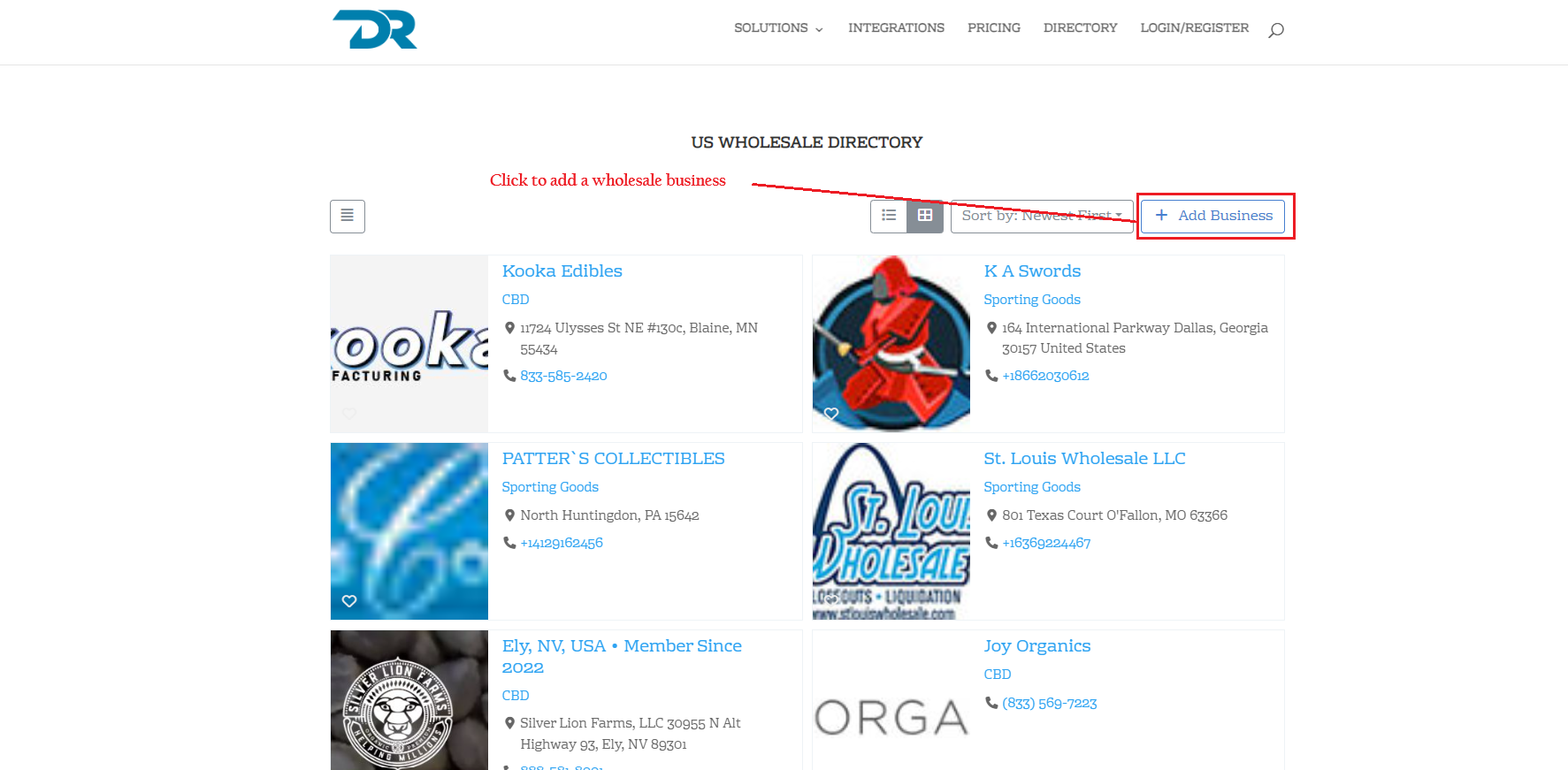
When you click ” add business,” you will be directed to a page where you can complete and create a wholesale business profile.
When you have completed the required information on the form, click submit to create a business profile account.