
Howdy! How can we help you?
How To Use The Dashsel Wholesale Platform
How To Use The Dashsel Wholesale Platform
Listing a service on the Dashsel platform is easy. The form for each type of listing varies by country. In this example, we will learn how to create a business profile on the US Wholesale business listing platform.
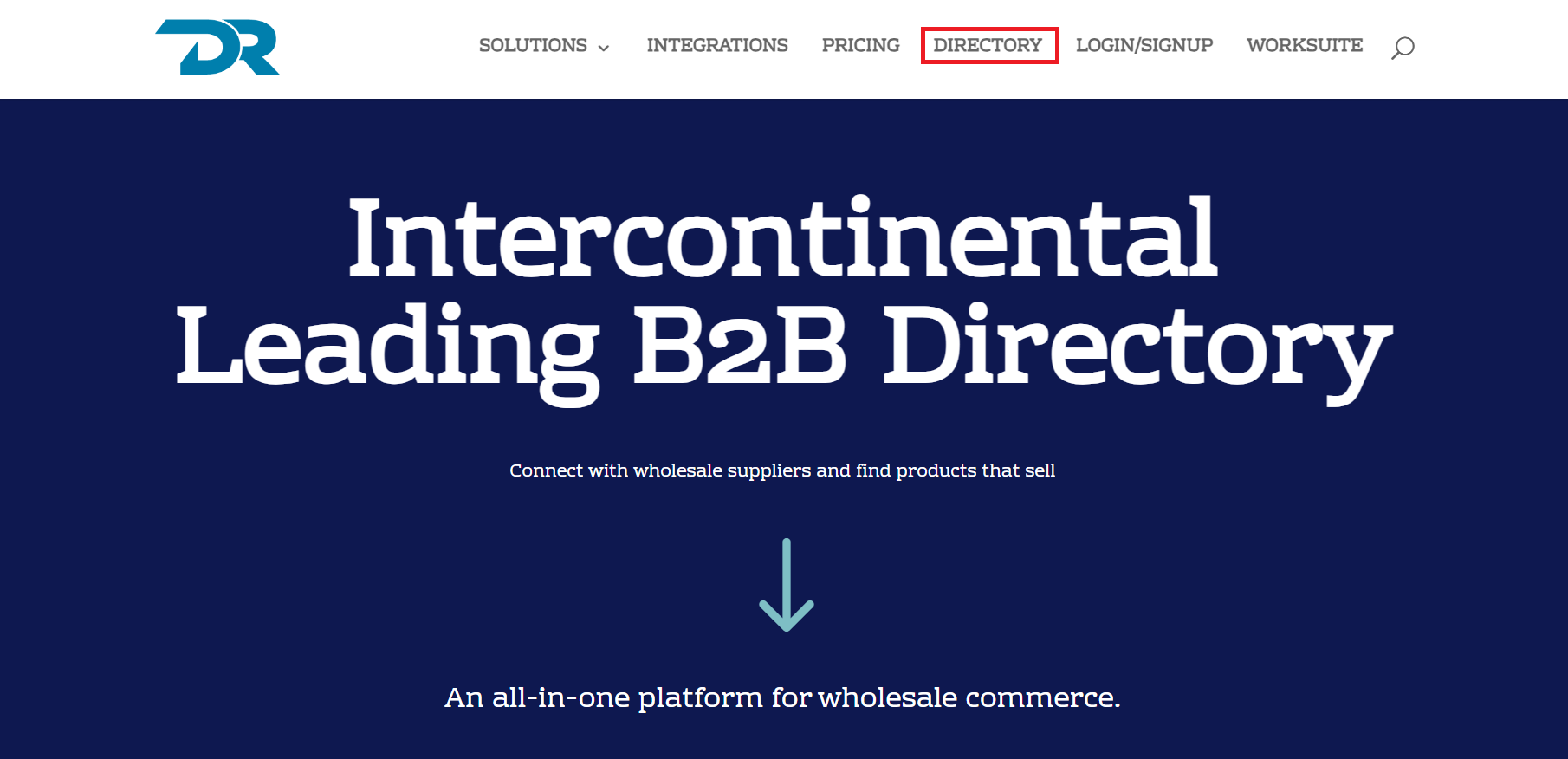
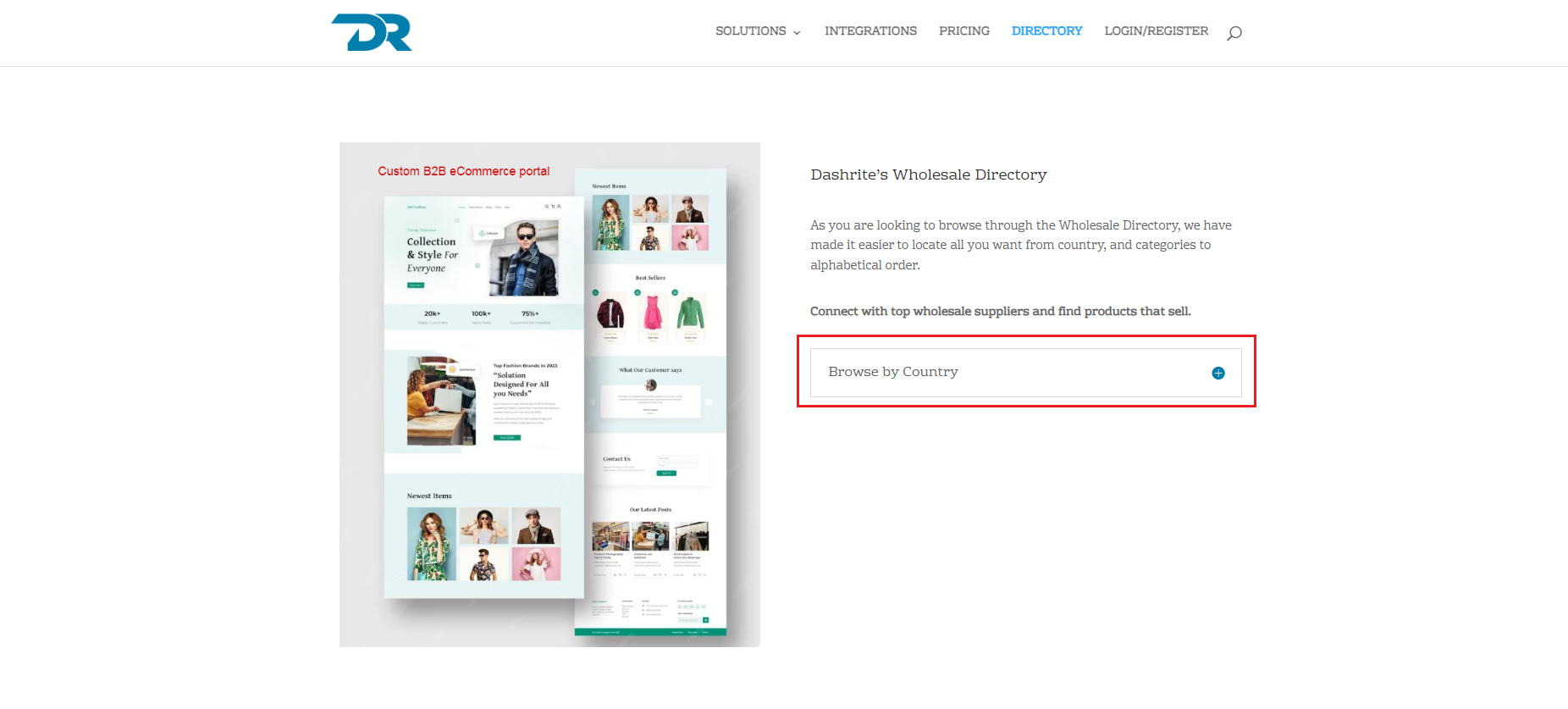
To view a list of wholesale businesses, visit https://dashsel.com/ and click on the Directory menu. You will be directed to the page below. You can browse the directory by country listed in the dropdown.
Search & Filter
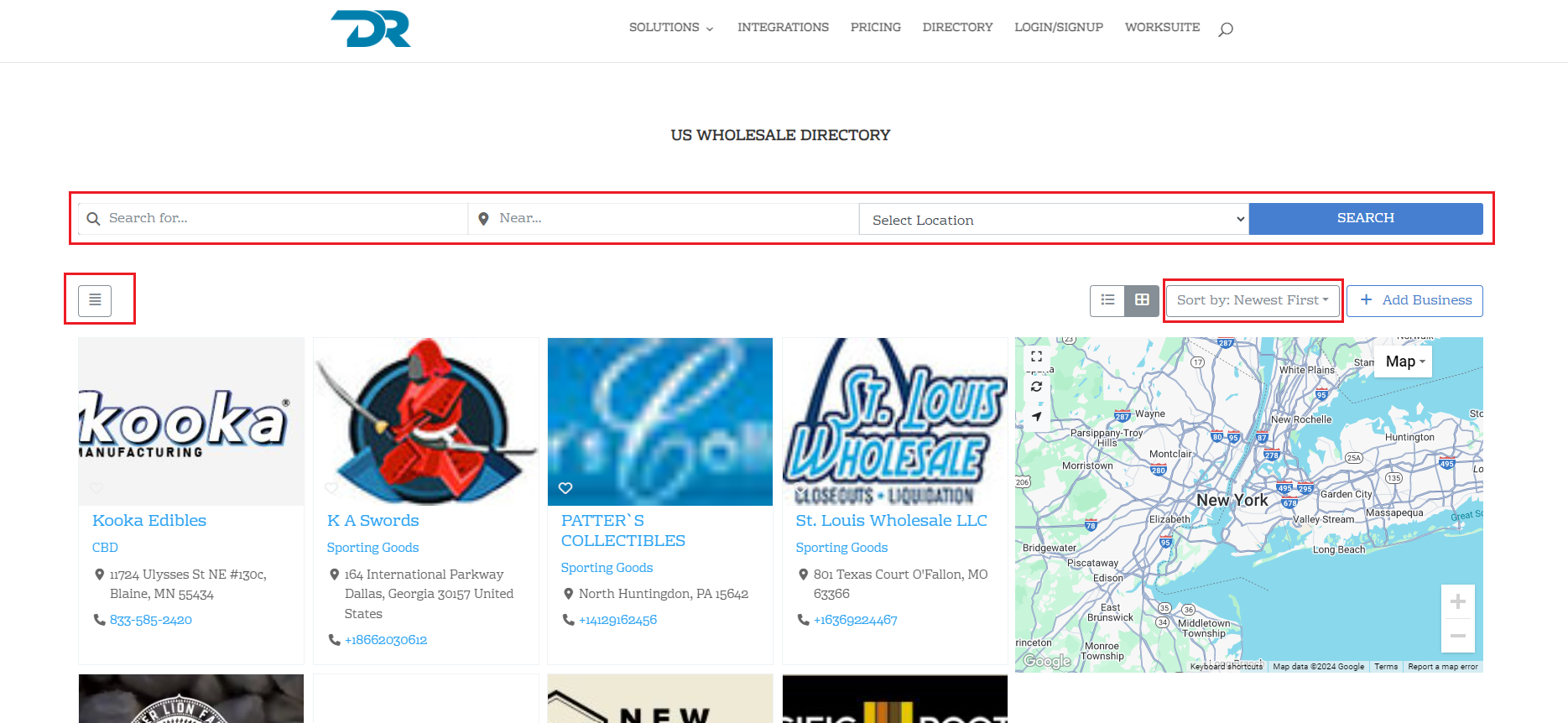
You can change how you view your listing or search by displaying listings/reviews/categories/tags/locations in a list, grid, or masonry view.
With well-programmed and much thought in making it more accessible, users can use the Search & Filter tool.
- Advanced search form with auto-suggestion
- Fully customizable filter form with live updating facet count
- Search and filter by custom fields
- Search and filter by current location (geolocation)
- Create multiple filter groups
- Conditional filters